Team Collaboration for Content Creators
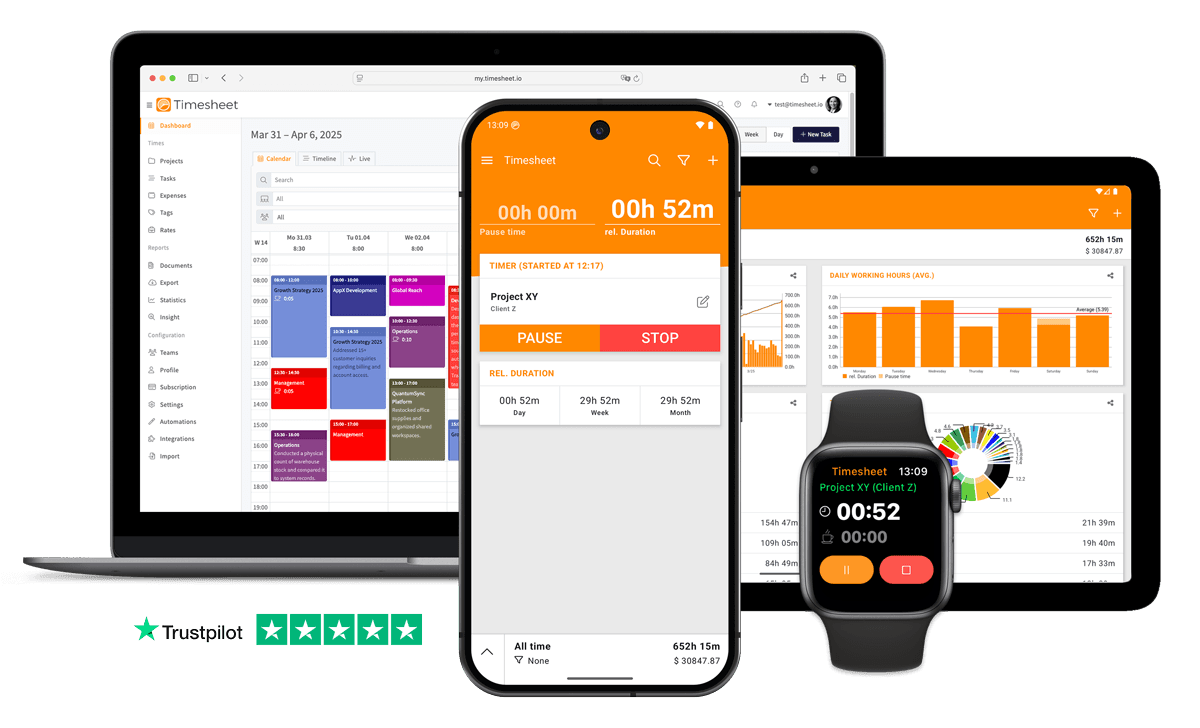
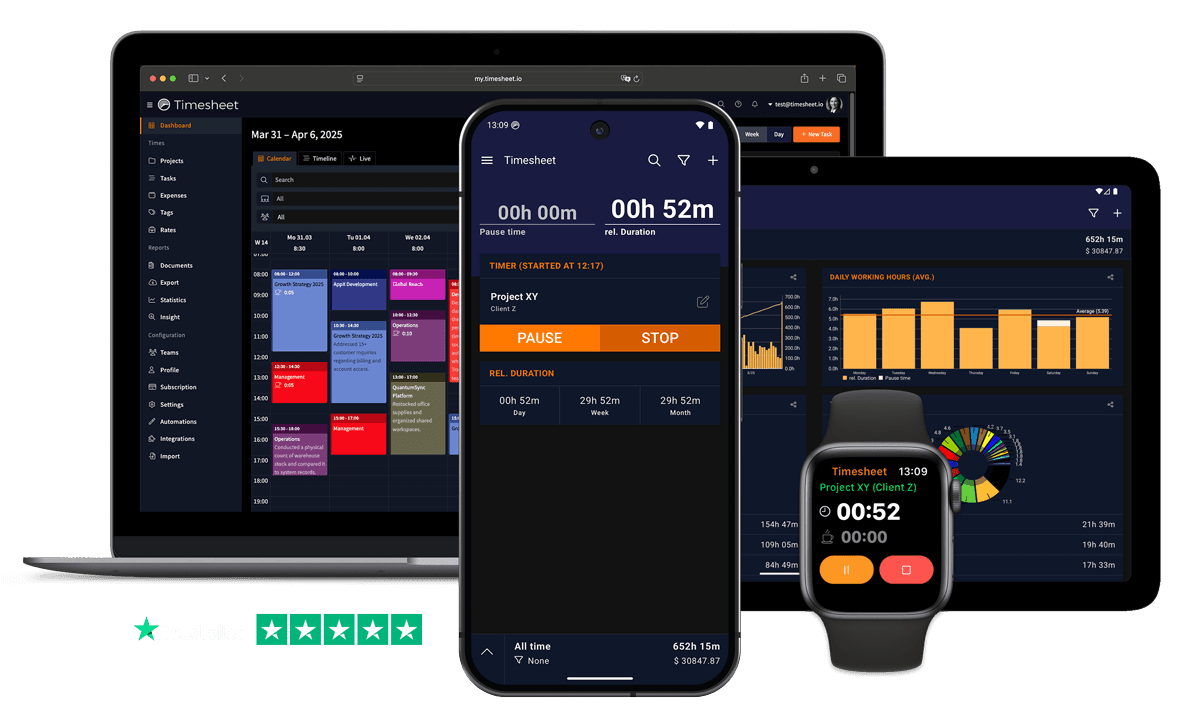
Sync your creative team with real-time time tracking. Track hours across projects, monitor workload, and meet deadlines together.


7h 45m
Tracked
Synced
All Devices
Designed specifically for Content Creators
Content pipelines, film, edit, publish, span multiple team members with no shared view of who is at which stage
Team project sharing shows each creator's stage per project. Real-time sync keeps the pipeline visible.
Collaboration scheduling falls apart when creators, editors, and publishers use separate time logs
Tag entries by stage, filming, editing, review, publish. Project distribution charts show the full pipeline.
Editing and post-production hours balloon without anyone noticing until the publish deadline passes
Visual progress charts compare budgeted vs actual hours per project. Spot overruns during production, not after.
What Timesheet Handles
Time tracking, reports, invoices, exports, automation, HR rules, and AI logging in one system.
Simplified Time Tracking
Track your working hours while on the move, without ever opening the app.
- One-tap time tracking
- WLAN & Geofencing automation
- Scheduled break reminders
- NFC tag support

Project & Task Management
Plan, track, collaborate, and execute projects in real-time.
- Unlimited projects
- Task categorization
- Team collaboration
- Calendar integration

Accurate Feedback & Analytics
Give your business the clarity it deserves with in-depth reports.
- Daily, weekly, monthly reports
- Income tracking
- Trend identification
- Export to Excel & CSV

Professional Invoice Generation
Create detailed invoices from your tracked time, expenses, and notes.
- Generate invoices from time entries
- Add expenses and notes
- Track payment status
- PDF export

Comprehensive Data Export
Export your data in multiple formats for easy integration.
- Excel export
- CSV export
- PDF reports
- API access

Automatic Time Tracking
Start and stop timers with location rules, WLAN detection, background tracking, and quick actions.
- Location-based tracking
- WLAN detection
- Background timer operation
- Persistent quick actions

HR-Ready Time Tracking
Contracts, working-time limits, and absence workflows, built into the timer instead of bolted on at month-end.
- Contracts & employment models
- Live working-time limits
- Leave & overtime balances
- Absence requests & calendar

AI-First Time Tracking
Log time, control the active timer, and get answers in plain language, straight from the chat channels your team already uses.
- Log time in one message
- Control the timer from chat
- Instant project answers
- Reminders, daily & weekly

Everything You Need
- Tag entries by filming, editing, review, or publishing stage
- Team project sharing tracks pipeline progress per creator
- Project distribution charts show time per content piece
- Real-time sync for on-location and studio-based creators
- Export hours to Excel or CSV for sponsor reporting
- One-tap timer for logging during shoots and recording sessions
- Visual progress charts flag projects behind schedule
Integrate With Your Favorite Tools
Send tracked time where the rest of your work already happens.








Plans by workflow
Start free, add sync, teams, HR, or AI when you need them.
Multi-user plans
For teams that work together across web, mobile, AI, and HR.
Pro
Best for Professionals
per user
- Everything in Plus
- Web Access
- Invoice Generation
- Team Features
- API Access
- Chronis AI assistant (chat-based tracking)
- MCP server (Claude · ChatGPT)
Business
HR & AI for growing teams
per user
- Everything in Pro
- Contracts & employment models
- Working-time limits & live caps
- Absence requests, approvals & calendar
- Leave & overtime balances
- Rest period & break enforcement
- Custom approval workflows
- Flextime & core-time policies
- Audit logs & compliance reports
Enterprise
Scale & dedicated support
per user
- Everything in Business
- Up to 200 team members
- 24/7 priority support
Single-user plans
Mobile-first plans for individuals.
Basic
Perfect for personal use
- Time Tracking
- Unlimited Projects
- Basic Statistics
- Excel & CSV Export
Plus
Great for freelancers
- Everything in Basic
- Cloud Backup
- Real-time Sync
- Unlimited Storage
All prices are net prices. Applicable taxes (VAT) will be added at purchase.
Frequently Asked Questions
Straight answers about plans, trials, payments, and data.
Yes. Your subscription stays active until the end of the current billing period, then switches to the Basic plan.
Yes. Upgrades are charged immediately for the prorated difference. Downgrades take effect at the end of the current billing period.
Yes. The Basic plan includes core time tracking features, including the mobile app, projects, and data export.
Yes, we offer a 30-day free trial for both Plus and Pro plans. No credit card is required to start your trial, and you can cancel anytime.
If you do not subscribe after the trial, your account switches to the Basic plan. Your data stays in place, but premium features are limited.
Yes. You can delete your account from account settings. Deletion is permanent and removes your data.
Timesheet accepts payments through Stripe and PayPal. You can pay by card through Stripe or use your PayPal balance and linked payment methods.
We do not store card details on Timesheet servers. Payment processing is handled by Stripe and PayPal.
Timesheet uses encryption, cloud infrastructure, backups, and account-based access controls. You can also export your data from the app.
Visit the Help Center at https://help.timesheet.io or email support@timesheet.io. Support usually replies within 24 hours.
Loved by Thousands Worldwide
See what our users have to say about Timesheet.
"Best and easiest tool to track everything you need, Lots of Options Automations and quality of Life. Altough the Last Update Made the Theme and Widget a lot uglier, it's still the best Tool by Miles apart from any competitor"
L. M.
"This app is very good support for everyone who needs time planning. Also for small businesses and craftsmen who use an order/billing program for which no dedicated app is available. The extensive range of functions is really good. I can recommend this app as a user since April 7, 2022."
Stefan
"Works good for tracking hours at my multiple contactor jobs."
Samuel Smith
"Great app for time tracking. Simple and very practical. Great."
Mathias Lutz
"We've used Timesheet for 4 years at our company. It saves time and makes it easier to track activities across many team members and allocate time and expenses to projects. My favourites:+ Easy to use calendar interface. + Excel export and analytics+ Responsive and helpful support."
David Sommer
"I like the features in app and on desktop. Great to be able to use both for tracking and reporting."
Bruce Corman
 App Store
based on reviews
Google Playfrom 13,317 ratings
Align Your Creative Team Today
Live team view, workload monitoring, and time analytics for content production teams. Free 30-day Pro trial.
Contact Us
Message us at any time, we'd love to hear from you.
Find us on Social Media
Stay connected with us on Social Media. You can find us on Facebook, Instagram, X, and LinkedIn.
Read the docs
Use the documentation for setup, API, and integration questions. For anything account-specific, contact support.
Want To Know More?
We'll get back to you as soon as possible.