Team Collaboration for Designers
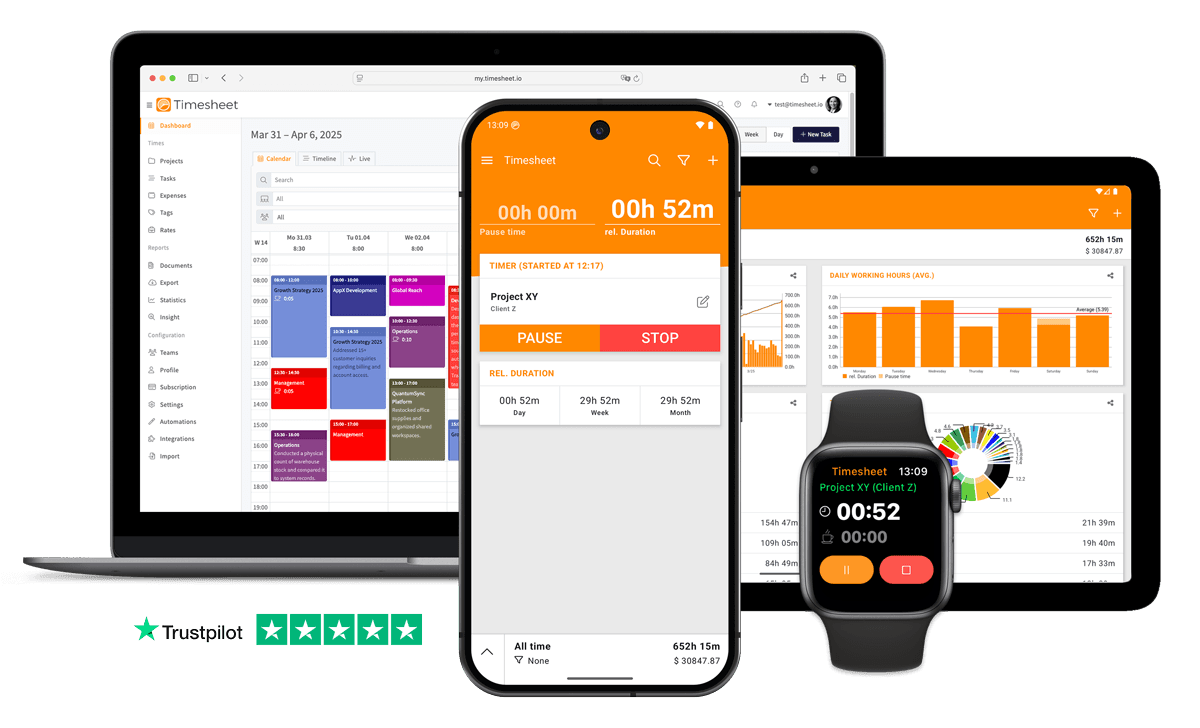
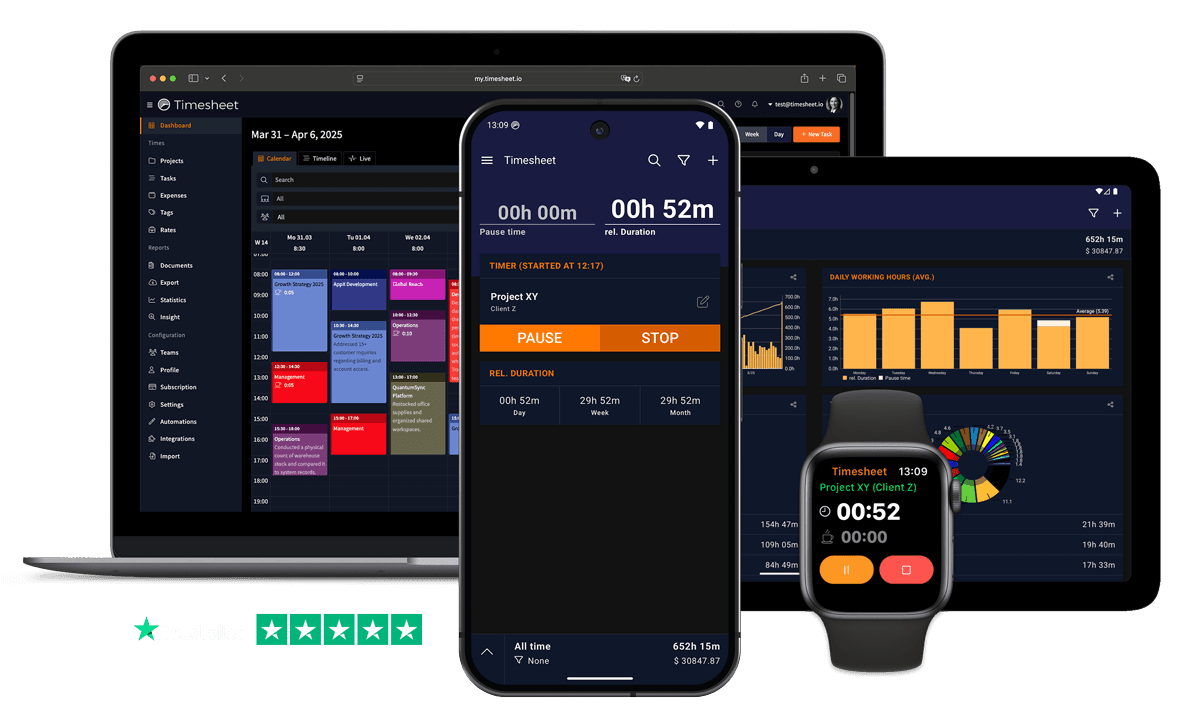
Synchronize your team with real-time project visibility. See who's working on what and prevent coordination breakdowns.


7h 45m
Tracked
Synced
All Devices
Designed specifically for Designers
Creative work and client revision rounds look the same in timesheets, unbilled feedback cycles stay hidden
Tag entries as creative, revision, or client feedback. Project distribution charts show how much time revisions really take.
Design teams working on the same brand project have no shared view of who logged what
Team project sharing shows each designer's hours per project in real time across all devices.
Project scopes creep when nobody tracks how many revision rounds each client demands
Visual progress charts compare budgeted hours to actual. Export data to flag clients who consistently exceed scope.
What Timesheet Handles
Time tracking, reports, invoices, exports, automation, HR rules, and AI logging in one system.
Simplified Time Tracking
Track your working hours while on the move, without ever opening the app.
- One-tap time tracking
- WLAN & Geofencing automation
- Scheduled break reminders
- NFC tag support

Project & Task Management
Plan, track, collaborate, and execute projects in real-time.
- Unlimited projects
- Task categorization
- Team collaboration
- Calendar integration

Accurate Feedback & Analytics
Give your business the clarity it deserves with in-depth reports.
- Daily, weekly, monthly reports
- Income tracking
- Trend identification
- Export to Excel & CSV

Professional Invoice Generation
Create detailed invoices from your tracked time, expenses, and notes.
- Generate invoices from time entries
- Add expenses and notes
- Track payment status
- PDF export

Comprehensive Data Export
Export your data in multiple formats for easy integration.
- Excel export
- CSV export
- PDF reports
- API access

Automatic Time Tracking
Start and stop timers with location rules, WLAN detection, background tracking, and quick actions.
- Location-based tracking
- WLAN detection
- Background timer operation
- Persistent quick actions

HR-Ready Time Tracking
Contracts, working-time limits, and absence workflows, built into the timer instead of bolted on at month-end.
- Contracts & employment models
- Live working-time limits
- Leave & overtime balances
- Absence requests & calendar

AI-First Time Tracking
Log time, control the active timer, and get answers in plain language, straight from the chat channels your team already uses.
- Log time in one message
- Control the timer from chat
- Instant project answers
- Reminders, daily & weekly

Everything You Need
- Tag time by creative work, revisions, or client feedback rounds
- Team project sharing unifies hours across the design team
- Project distribution charts show time per brand or campaign
- Real-time sync across the web app, iPad, and phone for studio and remote work
- Export hours per project to Excel or CSV for client billing
- Break tracking captures transition time between creative tasks
- Visual progress charts flag projects nearing budget limits
Integrate With Your Favorite Tools
Send tracked time where the rest of your work already happens.








Plans by workflow
Start free, add sync, teams, HR, or AI when you need them.
Multi-user plans
For teams that work together across web, mobile, AI, and HR.
Pro
Best for Professionals
per user
- Everything in Plus
- Web Access
- Invoice Generation
- Team Features
- API Access
- Chronis AI assistant (chat-based tracking)
- MCP server (Claude · ChatGPT)
Business
HR & AI for growing teams
per user
- Everything in Pro
- Contracts & employment models
- Working-time limits & live caps
- Absence requests, approvals & calendar
- Leave & overtime balances
- Rest period & break enforcement
- Custom approval workflows
- Flextime & core-time policies
- Audit logs & compliance reports
Enterprise
Scale & dedicated support
per user
- Everything in Business
- Up to 200 team members
- 24/7 priority support
Single-user plans
Mobile-first plans for individuals.
Basic
Perfect for personal use
- Time Tracking
- Unlimited Projects
- Basic Statistics
- Excel & CSV Export
Plus
Great for freelancers
- Everything in Basic
- Cloud Backup
- Real-time Sync
- Unlimited Storage
All prices are net prices. Applicable taxes (VAT) will be added at purchase.
Frequently Asked Questions
Straight answers about plans, trials, payments, and data.
Yes. Your subscription stays active until the end of the current billing period, then switches to the Basic plan.
Yes. Upgrades are charged immediately for the prorated difference. Downgrades take effect at the end of the current billing period.
Yes. The Basic plan includes core time tracking features, including the mobile app, projects, and data export.
Yes, we offer a 30-day free trial for both Plus and Pro plans. No credit card is required to start your trial, and you can cancel anytime.
If you do not subscribe after the trial, your account switches to the Basic plan. Your data stays in place, but premium features are limited.
Yes. You can delete your account from account settings. Deletion is permanent and removes your data.
Timesheet accepts payments through Stripe and PayPal. You can pay by card through Stripe or use your PayPal balance and linked payment methods.
We do not store card details on Timesheet servers. Payment processing is handled by Stripe and PayPal.
Timesheet uses encryption, cloud infrastructure, backups, and account-based access controls. You can also export your data from the app.
Visit the Help Center at https://help.timesheet.io or email support@timesheet.io. Support usually replies within 24 hours.
Loved by Thousands Worldwide
See what our users have to say about Timesheet.
"I've been using the free version for my business for years, and I love it. Before I discovered it, I was a mess. It helps me keep track of tons of projects at once, and I can quickly and easily switch between projects."
Karynne Moses
Designer
"Great app! I've been using it every day for 5 years. It allows me to track my overtime and export it to XLS for my reports."
Thierry Deneubourg
Designer
"I need it for simple hourly billing, but the app could do much more. The Excel export and the ability to track hours across multiple projects are great. I find the app very intuitive!"
Reto Hess
Designer
"It is indeed the best time tracking app I have ever used. Very easy to use and intuitive. The only issue I have found is if you work multiple jobs with different work weeks, it's not able to set up different start for the work week."
Jishnu Sreenivasan
Designer
"Absolutely amazing. Flawless sync between web and my smartphone. And easy to use interface and the exported Excel file is clear to understand. The web app at my. Timesheet. Io has similar UI and UX. 100% satisfied. Great app."
Sunny Rabius Sunny
Designer
"Just what I am looking for. Start the app enter a name for a project and press start. No log in necessary. There is a log in option, but not required to get started. And there are a lot of features that will make tracking my project time simpler. It is an extremely versatile app."
Darren Eggleston
Designer
 App Store
based on reviews
Google Playfrom 13,317 ratings
Synchronize Your Design Work Today
Real-time visibility into team workload, shared project status, and coordinated time tracking. Free 30-day Pro trial.
Contact Us
Message us at any time, we'd love to hear from you.
Find us on Social Media
Stay connected with us on Social Media. You can find us on Facebook, Instagram, X, and LinkedIn.
Read the docs
Use the documentation for setup, API, and integration questions. For anything account-specific, contact support.
Want To Know More?
We'll get back to you as soon as possible.