Team Collaboration for Startups
Synchronize your team with real-time project visibility. See who's working on what and prevent coordination breakdowns.


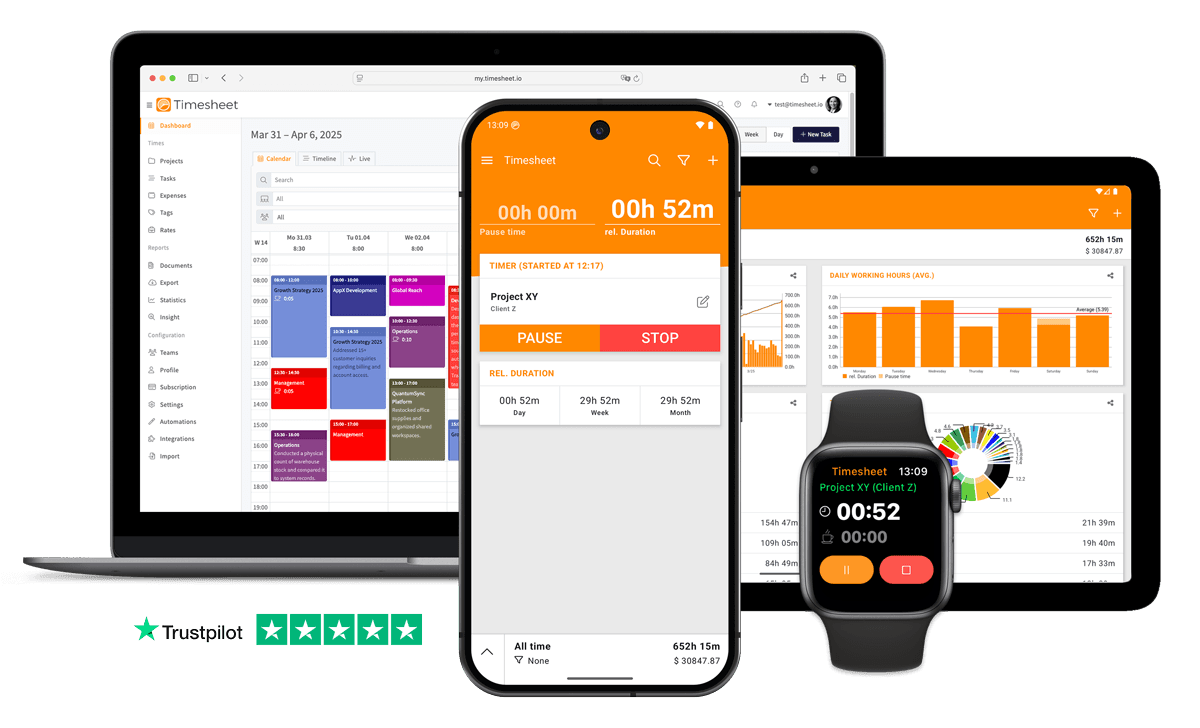
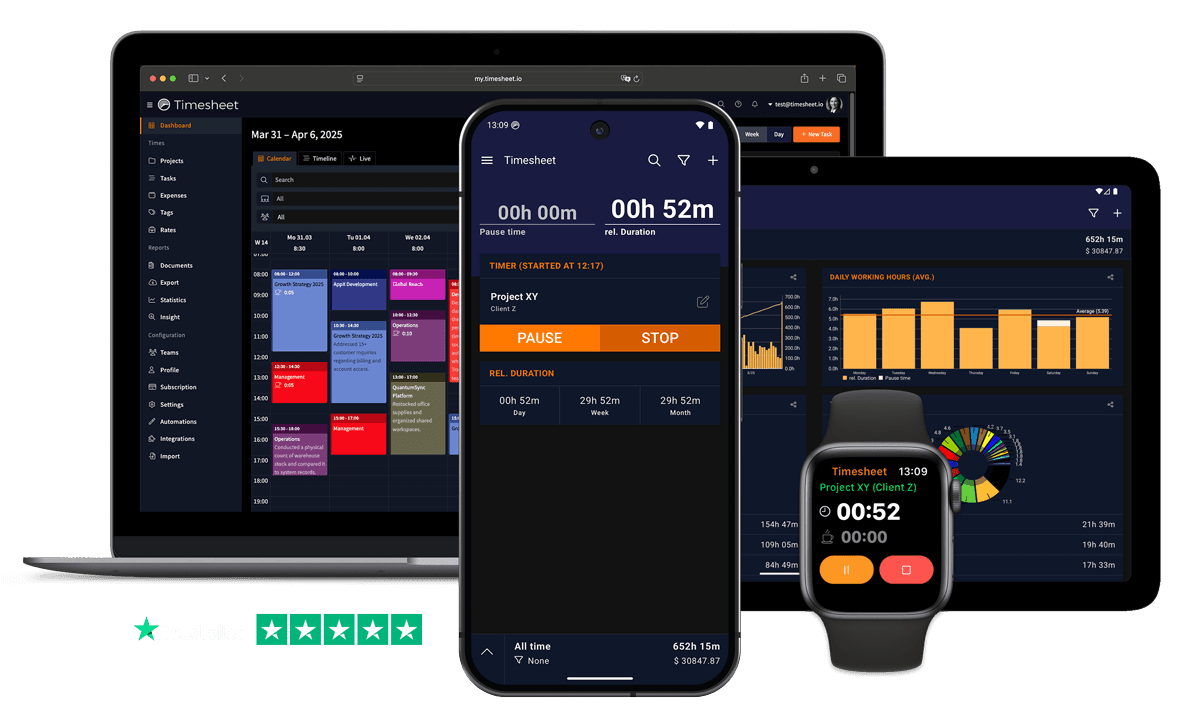
7h 45m
Tracked
Synced
All Devices
Designed specifically for Startups
Everyone wears multiple hats, nobody knows how time splits between product, sales, and operations
Tag entries by function, dev, sales, ops, support. Project distribution charts show where the team's hours actually go.
Rapid onboarding means new hires start logging time with no shared context of existing projects
Team project sharing gives new members instant visibility into all active projects and logged hours.
Burn rate visibility depends on knowing team hours per function, but that data is scattered or missing
Visual progress charts show team hours by project. Export to Excel for burn rate and runway calculations.
What Timesheet Handles
Time tracking, reports, invoices, exports, automation, HR rules, and AI logging in one system.
Simplified Time Tracking
Track your working hours while on the move, without ever opening the app.
- One-tap time tracking
- WLAN & Geofencing automation
- Scheduled break reminders
- NFC tag support

Project & Task Management
Plan, track, collaborate, and execute projects in real-time.
- Unlimited projects
- Task categorization
- Team collaboration
- Calendar integration

Accurate Feedback & Analytics
Give your business the clarity it deserves with in-depth reports.
- Daily, weekly, monthly reports
- Income tracking
- Trend identification
- Export to Excel & CSV

Professional Invoice Generation
Create detailed invoices from your tracked time, expenses, and notes.
- Generate invoices from time entries
- Add expenses and notes
- Track payment status
- PDF export

Comprehensive Data Export
Export your data in multiple formats for easy integration.
- Excel export
- CSV export
- PDF reports
- API access

Automatic Time Tracking
Start and stop timers with location rules, WLAN detection, background tracking, and quick actions.
- Location-based tracking
- WLAN detection
- Background timer operation
- Persistent quick actions

HR-Ready Time Tracking
Contracts, working-time limits, and absence workflows, built into the timer instead of bolted on at month-end.
- Contracts & employment models
- Live working-time limits
- Leave & overtime balances
- Absence requests & calendar

AI-First Time Tracking
Log time, control the active timer, and get answers in plain language, straight from the chat channels your team already uses.
- Log time in one message
- Control the timer from chat
- Instant project answers
- Reminders, daily & weekly

Everything You Need
- Tag time by function, dev, sales, ops, or support
- Team project sharing onboards new hires into active projects instantly
- Project distribution charts show where the team's hours go
- Real-time sync keeps co-founders aligned across locations
- Export hours to Excel or CSV for investor reporting
- One-tap timer for fast context switches between roles
- Visual progress charts track burn rate by team function
Integrate With Your Favorite Tools
Send tracked time where the rest of your work already happens.








Plans by workflow
Start free, add sync, teams, HR, or AI when you need them.
Multi-user plans
For teams that work together across web, mobile, AI, and HR.
Pro
Best for Professionals
per user
- Everything in Plus
- Web Access
- Invoice Generation
- Team Features
- API Access
- Chronis AI assistant (chat-based tracking)
- MCP server (Claude · ChatGPT)
Business
HR & AI for growing teams
per user
- Everything in Pro
- Contracts & employment models
- Working-time limits & live caps
- Absence requests, approvals & calendar
- Leave & overtime balances
- Rest period & break enforcement
- Custom approval workflows
- Flextime & core-time policies
- Audit logs & compliance reports
Enterprise
Scale & dedicated support
per user
- Everything in Business
- Up to 200 team members
- 24/7 priority support
Single-user plans
Mobile-first plans for individuals.
Basic
Perfect for personal use
- Time Tracking
- Unlimited Projects
- Basic Statistics
- Excel & CSV Export
Plus
Great for freelancers
- Everything in Basic
- Cloud Backup
- Real-time Sync
- Unlimited Storage
All prices are net prices. Applicable taxes (VAT) will be added at purchase.
Frequently Asked Questions
Straight answers about plans, trials, payments, and data.
Yes. Your subscription stays active until the end of the current billing period, then switches to the Basic plan.
Yes. Upgrades are charged immediately for the prorated difference. Downgrades take effect at the end of the current billing period.
Yes. The Basic plan includes core time tracking features, including the mobile app, projects, and data export.
Yes, we offer a 30-day free trial for both Plus and Pro plans. No credit card is required to start your trial, and you can cancel anytime.
If you do not subscribe after the trial, your account switches to the Basic plan. Your data stays in place, but premium features are limited.
Yes. You can delete your account from account settings. Deletion is permanent and removes your data.
Timesheet accepts payments through Stripe and PayPal. You can pay by card through Stripe or use your PayPal balance and linked payment methods.
We do not store card details on Timesheet servers. Payment processing is handled by Stripe and PayPal.
Timesheet uses encryption, cloud infrastructure, backups, and account-based access controls. You can also export your data from the app.
Visit the Help Center at https://help.timesheet.io or email support@timesheet.io. Support usually replies within 24 hours.
Loved by Thousands Worldwide
See what our users have to say about Timesheet.
"Love this app. Simple and produces the kind of stats I want to see."
Kathleen Perez
"Time Sheet is a great app for tracking work processes. I have been using the basic version for several years and am completely satisfied with it."
Karl Hintermayer
"Great app for time tracking. Simple and very practical. Great."
Mathias Lutz
"The app is very easy to use, has full features, and has useful statistics. I can easily track my hours as the day progress, it's fantastic!"
Charles Dunn
"Hard to figure out at first but fully satisfies my time tracking needs"
Monique Oliveira
"I use Timetracker to track and distribute my working time. All the functions I need are there and the app is super reliable."
Christian Geist
 App Store
based on reviews
Google Playfrom 13,317 ratings
Synchronize Your Startup Operations Today
Real-time visibility into team workload, shared project status, and coordinated time tracking. Free 30-day Pro trial.
Contact Us
Message us at any time, we'd love to hear from you.
Find us on Social Media
Stay connected with us on Social Media. You can find us on Facebook, Instagram, X, and LinkedIn.
Read the docs
Use the documentation for setup, API, and integration questions. For anything account-specific, contact support.
Want To Know More?
We'll get back to you as soon as possible.