Time tracking for startups where everyone does three jobs
Tags for product, sales, fundraising and admin turn a scattered week into a report you can put in front of investors.


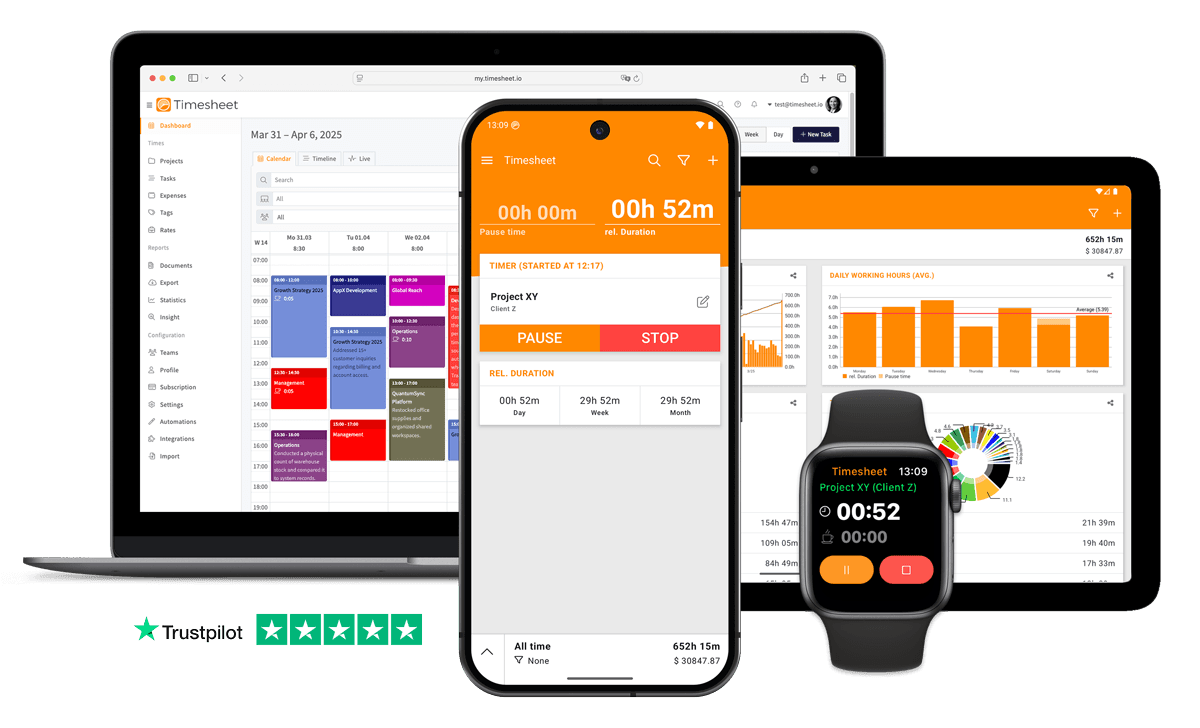
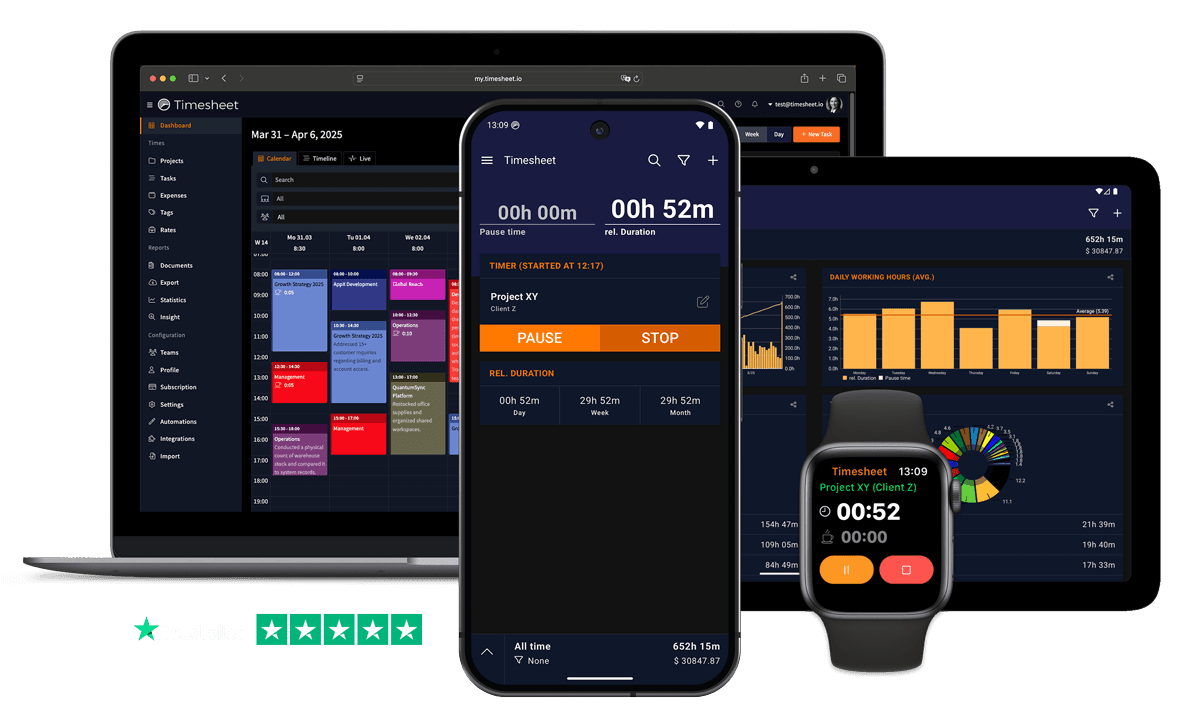
7h 45m
Tracked
Synced
All Devices



Designed specifically for Startups
Startup pace means no time for complex time tracking, everyone wears multiple hats
Log time conversationally: 'Add 3 hours product development work' via MCP Server through any AI assistant.
Manual time tracking wastes valuable work hours and leads to inaccurate billing
Automatic timers with geofencing and Wi-Fi triggers start tracking when you begin working.
Desktop-first time tracking software is left unused when startups are away from the computer
Native iOS and Android apps with one-tap timer, offline mode and Apple Watch support.
Remote-first teams need lightweight tracking
Simple one-tap timer. No training needed. Works from day one.
Startup life means unlimited work without tracking
Daily totals show true hours. See the reality.
Without project-level tracking, startups never know which jobs are actually profitable
Every tracked second is filed against a project, task and client with its own hourly rate.
Team members work across multiple initiatives, making allocation analysis difficult
Track by initiative: 'Log 2 hours on Marketing Launch initiative' through ChatGPT or Claude.
Multiple parallel projects make precise time allocation and billing difficult
Unlimited projects with custom hourly rates and automatic time calculations per project.
“AI-native startups operate with 40% smaller teams and reach unicorn status a full year faster than non-AI counterparts”
What Timesheet Handles
Time tracking, reports, invoices, exports, automation, HR rules, and AI logging in one system.
Simplified Time Tracking
A founding team gets usable numbers without a process: one tap to start, offline on the way to a meeting, nobody policing timesheets on Friday.
- One-tap time tracking
- WLAN & Geofencing automation
- Scheduled break reminders
- NFC tag support

Project & Task Management
Set up a project per product area, pilot customer or grant, and rename them as the company changes. Add as many as you need.
- Unlimited projects
- Task categorization
- Team collaboration
- Calendar integration

Accurate Feedback & Analytics
See how the weeks actually split across product, customers and support, before you decide on the next hire or the next roadmap change.
- Daily, weekly, monthly reports
- Income tracking
- Trend identification
- Export to Excel & CSV

Professional Invoice Generation
A design partner paying for implementation gets an invoice on your own template, with your tax rate and any discount, before you buy billing software.
- Generate invoices from time entries
- Add expenses and notes
- Track payment status
- PDF export

Comprehensive Data Export
An investor update, a grant report or an R&D claim all start from the same Excel or CSV export, filtered to the period.
- Excel export
- CSV export
- PDF reports
- API access

Automatic Time Tracking
Wi-Fi and NFC triggers start the timer when someone reaches the office, and it keeps running in the background all day.
- Location-based tracking
- WLAN detection
- Background timer operation
- Persistent quick actions

HR-Ready Time Tracking
Contracts, working-time limits, overtime balances and leave from the first employee onward, so the first audit is not a weekend of reconstruction.
- Contracts & employment models
- Live working-time limits
- Leave & overtime balances
- Absence requests & calendar

AI-First Time Tracking
Your team already works in Claude and ChatGPT. The MCP server puts the time entries and the questions about last week in that same window.
- Log time in one message
- Control the timer from chat
- Instant project answers
- Reminders, daily & weekly

Everything You Need
- Log startup work through ChatGPT, Claude, or Gemini
- Automatic time tracking with intelligent triggers
- One-tap timer on iOS, Android and the web
- Unlimited projects with custom hourly rates
- Tag time by function, dev, sales, ops, or support
- Track regular hours, breaks, overtime and billable time
- Scales from 2 to 200 team members
- Team project sharing for collaborative tracking
- Automatic timesheets, no manual entry
- Ask 'How much team time on Product vs. Marketing?' for breakdowns
- Professional invoice generation from tracked time
- Remote-friendly
- Visual charts showing time per initiative
- Weekly pattern analysis
Integrate With Your Favorite Tools
Send tracked time where the rest of your work already happens.










Plans by workflow
Start free, add sync, teams, HR, or AI when you need them.
Multi-user plans
For teams that work together across web, mobile, AI, and HR.
Pro
Best for Professionals
per user
- Everything in Plus
- Web Access
- Invoice Generation
- Team Features
- API Access
- Chronis AI assistant (chat-based tracking)
- MCP server (Claude · ChatGPT)
Business
HR & AI for growing teams
per user
- Everything in Pro
- Contracts & employment models
- Working-time limits & live caps
- Absence requests, approvals & calendar
- Leave & overtime balances
- Rest period & break enforcement
- Custom approval workflows
- Flextime & core-time policies
- Audit logs & compliance reports
Enterprise
Scale & dedicated support
per user
- Everything in Business
- Up to 200 team members
- 24/7 priority support
Single-user plans
Mobile-first plans for individuals.
Basic
Perfect for personal use
- Time Tracking
- Unlimited Projects
- Basic Statistics
- Excel & CSV Export
Plus
Great for freelancers
- Everything in Basic
- Cloud Backup
- Real-time Sync
- Unlimited Storage
All prices are net prices. Applicable taxes (VAT) will be added at purchase.
Frequently Asked Questions
Straight answers about plans, trials, payments, and data.
Yes. Your subscription stays active until the end of the current billing period, then switches to the Basic plan.
Yes. Upgrades are charged immediately for the prorated difference. Downgrades take effect at the end of the current billing period.
Yes. The Basic plan includes core time tracking features, including the mobile app, projects, and data export.
Yes, we offer a 30-day free trial for both Plus and Pro plans. No credit card is required to start your trial, and you can cancel anytime.
If you do not subscribe after the trial, your account switches to the Basic plan. Your data stays in place, but premium features are limited.
Yes. You can delete your account from account settings. Deletion is permanent and removes your data.
Timesheet accepts payments through Stripe and PayPal. You can pay by card through Stripe or use your PayPal balance and linked payment methods.
We do not store card details on Timesheet servers. Payment processing is handled by Stripe and PayPal.
Timesheet uses encryption, cloud infrastructure, backups, and account-based access controls. You can also export your data from the app.
Visit the Help Center at https://help.timesheet.io or email support@timesheet.io. Support usually replies within 24 hours.
Loved by Thousands Worldwide
See what our users have to say about Timesheet.
"Love this app. Simple and produces the kind of stats I want to see."
Kathleen Perez
"Time Sheet is a great app for tracking work processes. I have been using the basic version for several years and am completely satisfied with it."
Karl Hintermayer
"Great app for time tracking. Simple and very practical. Great."
Mathias Lutz
"The app is very easy to use, has full features, and has useful statistics. I can easily track my hours as the day progress, it's fantastic!"
Charles Dunn
"Hard to figure out at first but fully satisfies my time tracking needs"
Monique Oliveira
"I use Timetracker to track and distribute my working time. All the functions I need are there and the app is super reliable."
Christian Geist
 App Store
based on reviews
Google Playfrom 13,317 ratings
Put numbers on your team's week
Unlimited projects, tasks and tags, on the free plan or the 30-day Pro trial.
Contact Us
Message us at any time, we'd love to hear from you.
Find us on Social Media
Stay connected with us on Social Media. You can find us on Facebook, Instagram, X, and LinkedIn.
Read the docs
Use the documentation for setup, API, and integration questions. For anything account-specific, contact support.
Want To Know More?
We'll get back to you as soon as possible.