
Timesheet vs Harvest

Timesheet vs Harvest: Tracking and Billing Compared

Compare mobile capture, automation, offline use, invoices, expenses, reports, team workflows, and current pricing.

Download Timesheet time tracking on the App StoreGet Timesheet time tracking on Google Play
Free 30-day trial
No credit card required
Easy Migration
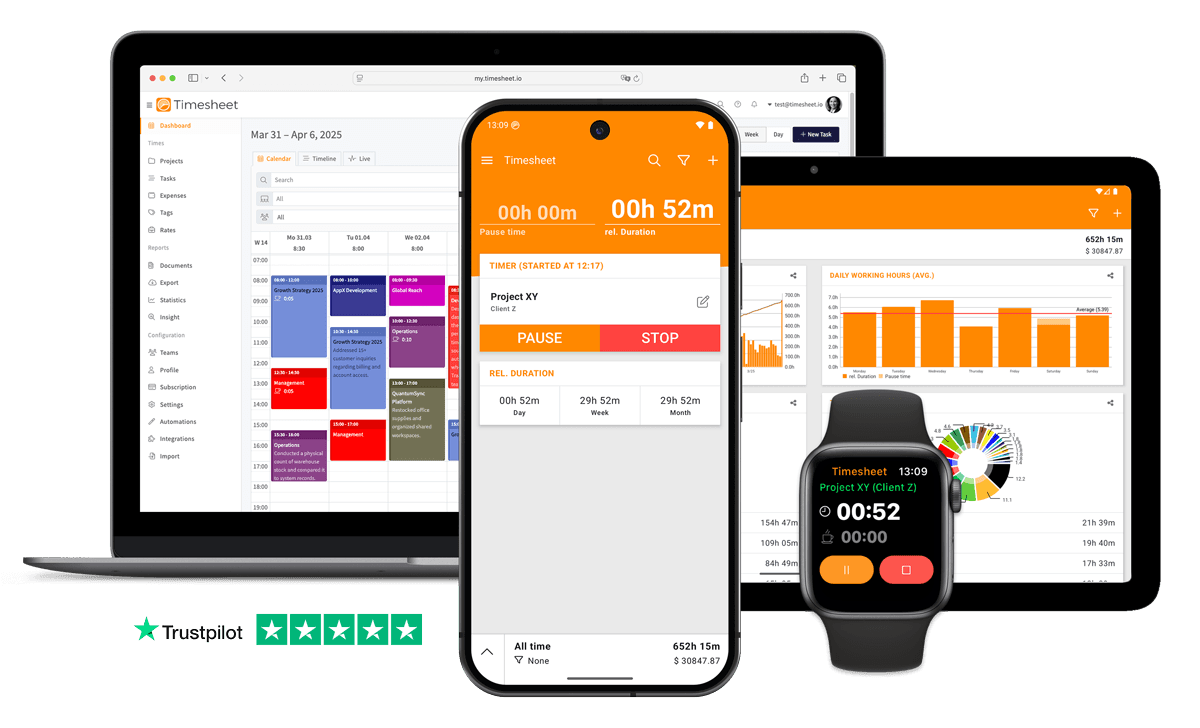
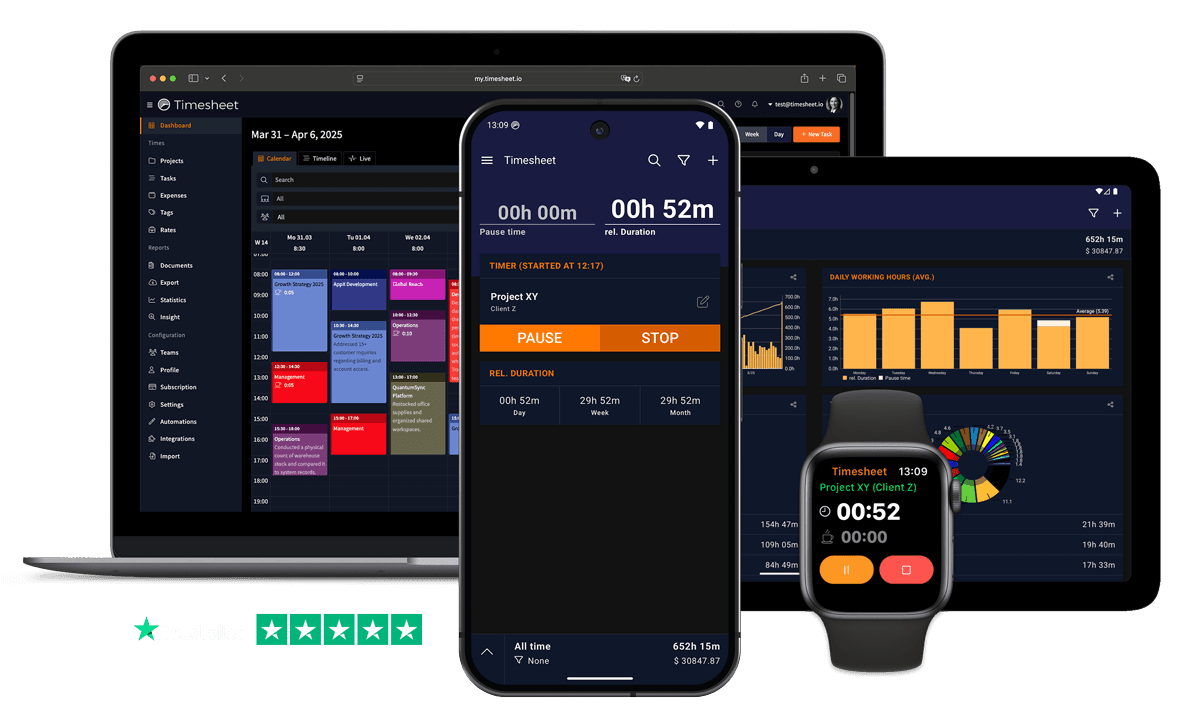
Timesheet time tracking app shown on phone, tablet, and desktop

Quick verdict

Timesheet or Harvest: which one should you choose?

Timesheet is the better fit when capturing time on phones and watches, automating clock-in with NFC, Wi-Fi, or location, or combining time records with HR and compliance workflows. Harvest is the better fit when invoicing and online payments are the center of the business and the team wants a mature browser-based billing workflow with accounting integrations.

Choose Timesheet if

  • You want mobile and watch-based capture with real-world automation.
  • You need unlimited projects and exports on a free individual plan.
  • You want working-time rules, absence workflows, and overtime balances.
  • You want an AI assistant to create entries, projects, and reports.

Choose Harvest if

  • You want invoices, reminders, and online payments as the core workflow.
  • You rely on accounting integrations such as Stripe, QuickBooks Online, or Xero.
  • You need mature profitability reporting for client projects.
  • Your team works mainly in the browser and values billing depth over mobile automation.
Pricing snapshot
ProductStarting priceImportant limit
Timesheet Basic$0One user, unlimited projects, mobile time and expense tracking, exports, and NFC, Wi-Fi, and geofence automation.
Harvest Free$0One seat and two projects, with time tracking, invoicing, expenses, and Mac and iOS apps.
Timesheet Pro$10 per user/monthAdds web access, PDF invoices, team features, API access, and the Chronis AI assistant.
Harvest Teams$9 per seat/monthAnnual starting price. Additional invoices, projects, clients, and tasks can add usage-based fees.

How this comparison was prepared

  • We compared the current public plan tables and official help documentation for both products.
  • We tested the decision around the complete workflow from capture to report or invoice.
  • We called out mobile limitations separately from web capabilities.

Pricing and features last verified: .

Why Switch from Harvest?

See where Timesheet differs on tracking, reporting, automation, and price.

Capture Time Away From the Browser

Use phone and watch apps as the primary timer instead of a companion to a browser-based billing system.

Automate Clock-In

Start and stop timers with NFC tags, Wi-Fi networks, and locations instead of relying only on reminders.

Keep Free Projects Unlimited

Use unlimited projects on Timesheet Basic instead of Harvest Free's two-project limit.

Add HR and Compliance

Manage contracts, working-time limits, breaks, leave, overtime, and approvals in the Business plan.

Log Time Through Chat

Use the Chronis AI assistant to create entries and reports without opening another form.

Export Before You Pay

Export Excel and CSV files on the free Basic plan while keeping your time data portable.

Timesheet vs. Harvest

Compare features, pricing, mobile tracking, automation, and reporting.

Timesheet and Harvest feature comparison
FeatureTimesheetHarvest
Unlimited Projects on Free PlanIncludedNot included
Mobile Apps (iOS & Android)IncludedIncluded
Offline Mobile TrackingIncludedIncluded
NFC, Wi-Fi, and Geofence AutomationFreeNot included
Invoice GenerationProIncluded
Online Invoice PaymentsNot includedIncluded
Expense and Receipt TrackingIncludedIncluded
Timesheet ApprovalsNot includedEnterprise
Free Plan User Limit1 user1 user
Free Plan Project LimitUnlimited2 projects
AI Chat AssistantProNot included
Working-Time Compliance WorkflowsBusinessNot included

Move your time tracking to Timesheet

If Harvest no longer fits your work, Timesheet covers the core migration steps:

  • Export your Harvest time, expense, and invoice records first
  • Recreate active clients and projects before archived work
  • Test billable rates and one complete invoice cycle
  • Invite the team after reports match your expectations
  • Use a 30-day trial to test Pro features
  • Keep the Harvest export as your historical archive

3 Easy Steps

1

Sign Up for Free

Create your account in less than 30 seconds.

2

Set Up Projects

Create your projects and invite your team.

3

Start Tracking

Start tracking time immediately - on any device.

30-day free trial
No credit card required

Loved by Thousands Worldwide

See what our users have to say about Timesheet.

"We've used Timesheet for 4 years at our company. It saves time and makes it easier to track activities across many team members and allocate time and expenses to projects. My favourites:+ Easy to use calendar interface. + Excel export and analytics+ Responsive and helpful support."

David Sommer

"I've been using it for 1.5 years with great satisfaction. The app allows me to keep track of exactly what I'm spending my time on (I work as a freelancer) and to have a comprehensive and accurate view of my activity, month after month."

Noé Thys

Freelancer

"Used this app for over two years now. It's excellent. Easy to use. The layout is clean and user friendly. The developer keeps updating and improving it regularly. I like it so much that I donated 5Euro to buy him a beer in the "donate" option. Try it, you'll love it"

Tommy Thorn

Developer

"I've been using the free version for my business for years, and I love it. Before I discovered it, I was a mess. It helps me keep track of tons of projects at once, and I can quickly and easily switch between projects."

Karynne Moses

Designer

"I've been using this app for about 7 years now. I rely on it and it's been reliable and frequently improved. A great app. Highly recommended for time tracking as a contractor, multiple projects at once etc."

Brian Davis

Freelancer

"Works perfectly. The timer feature isn't something I use all of the features on, but it is nice to not have to remember when I arrived at my client. Developer is responsive to feedback!"

Brandon Knitter

Developer

Timesheet time tracking app iconApp Store
4.4

based on reviews

Timesheet time tracking app iconGoogle Play
4.5

from 13,317 ratings

Timesheet vs Harvest: frequently asked questions

Straight answers based on the current plans and published product documentation.

Ready to Test Timesheet Against Harvest?

Run one client project in both products and compare capture, reporting, and billing before you switch.

Timesheet vs Harvest: Tracking and Billing | timesheet.io