Time and attendance software that runs on phones
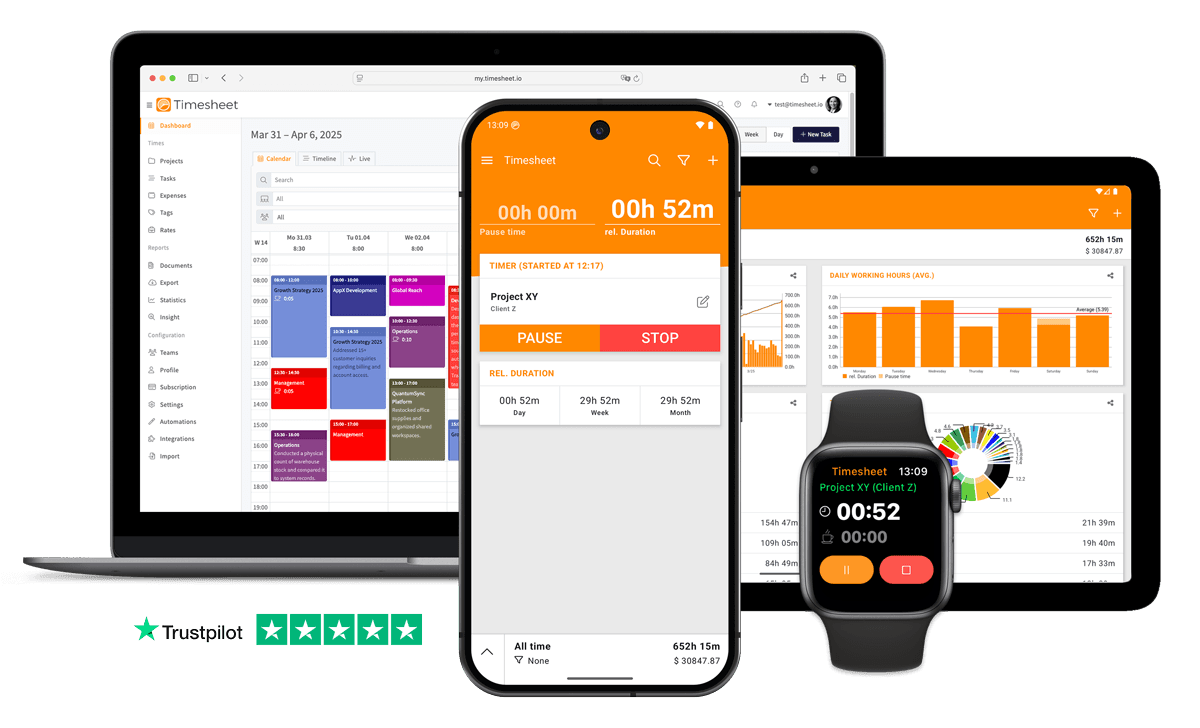
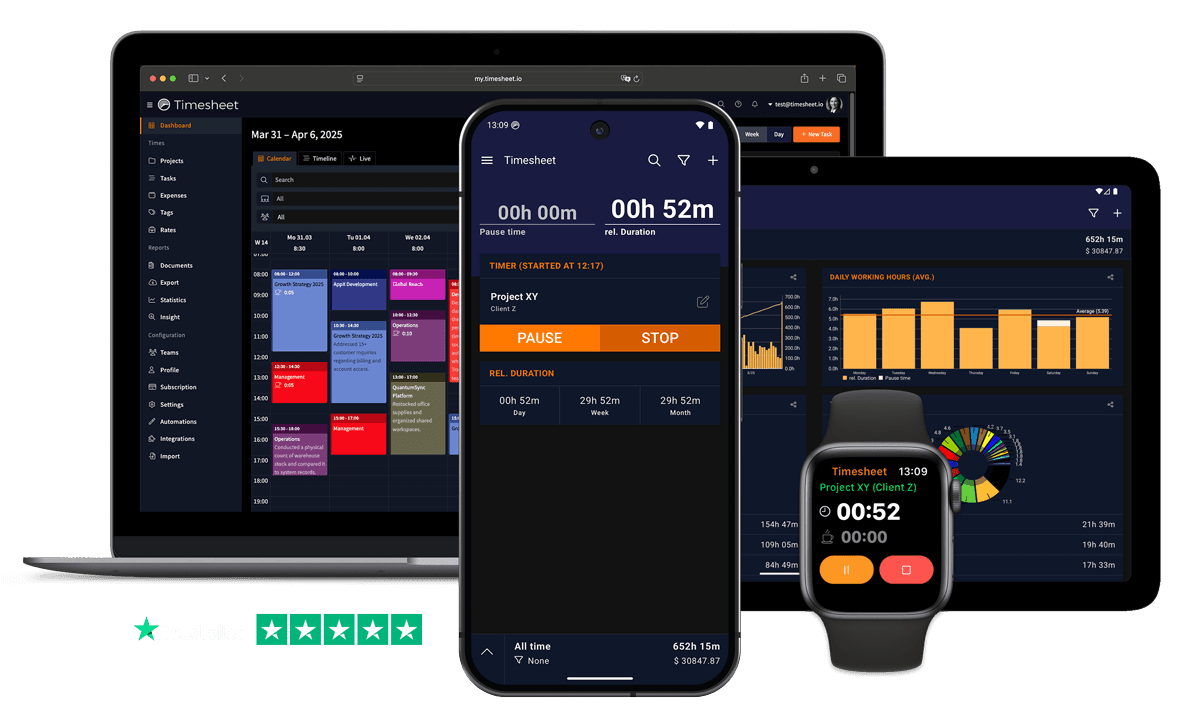
Your employees clock in and out on their own phone. You see who is working right now and every hour for payroll in the web app, and add absences and leave balances when you need them.


No credit card required. The mobile app stays free afterwards.
- iPhone, Android and web
- No hardware to buy
- Export to Excel, CSV or PDF
- GDPR Compliant
- Data Encrypted



In short
What does time and attendance software do?
It records when each employee starts and stops work, shows who is present, and keeps absences such as vacation and sick leave next to the worked hours, so payroll starts from one record. In Timesheet, employees clock in on their own phone and managers work in the web app. Attendance for a team needs Pro at $10 per user per month. Absences and balances are part of Business at $20.
Attendance starts with a clock-in on the phone
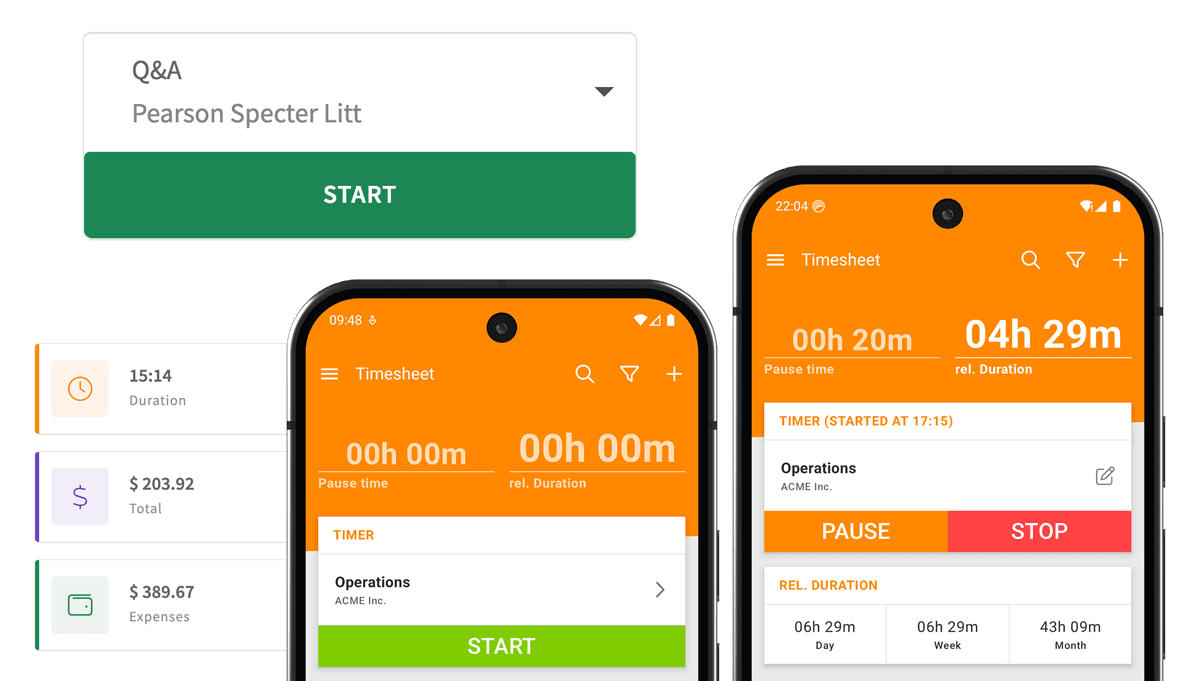
Each employee clocks in with one tap in the app. The clock can also start by itself when someone arrives at a geofenced workplace or taps an NFC tag by the door, and on Android when the phone joins the work Wi-Fi.
Every entry has a real start time, end time and breaks, and the app keeps working offline. A missed clock-in can be added or corrected afterwards. The time card app page shows the employee side.

See who is in and who is not
The web app is where attendance comes together. Once your team is set up, you can follow the working day as it happens and look back at any week:
Live view
A list of every team member with their running task and elapsed time. Filter it to the people whose clock is running.
Where shifts started
If an employee turned on location stamps, a map shows where their running shift began. Nobody is followed during the day.
Calendar and timeline
See who worked when, by day, week or month, grouped by project or by person.
Roles
Managers see and edit all entries on their projects. Employees see only their own.
Run one pay period on a free trial
Invite your team, let everyone clock in for a pay period, and decide afterwards.
No credit card required. The mobile app stays free afterwards.
Absences and leave balances next to the hours
Attendance is only half the record. On the Business plan, employees request vacation, sick leave or any absence type you define, for full days or part of a day, and attach a document where one is needed. Managers approve or reject the request in the web app.
Each person has a leave balance that comes from their contract: days entitled, carried over, used, pending and remaining. Overtime and flextime balances work the same way, by comparing tracked hours with the contract. The leave management software page covers this part in detail.


Working-time rules, checked for you
A contract in Timesheet holds the weekly and daily target hours, the working days and the break rule. Days with a missing break or a short rest period are flagged for review. Nothing is blocked, so a manager decides what happens.
Templates with the working-time rules of 49 countries give you a starting point, which you then adjust to your contracts.
Attendance records for payroll
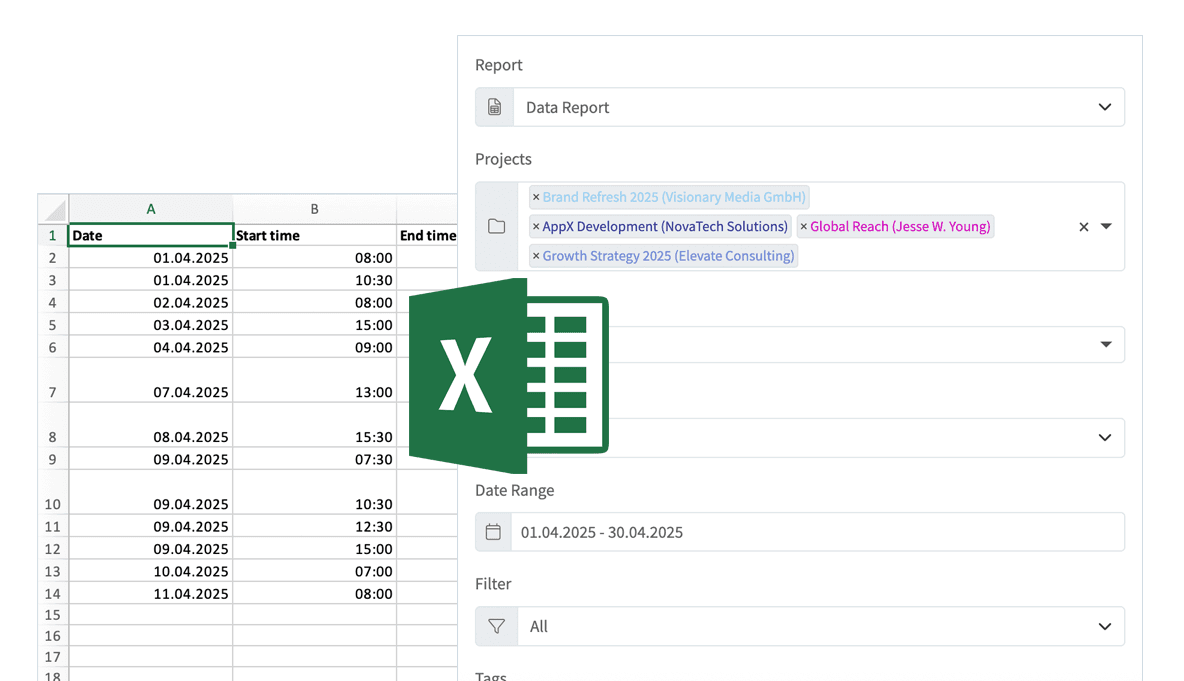
At the end of the pay period, filter by person, project and date range and export the team's hours to Excel, CSV or PDF. Absence records and overtime reports export as PDF.
With Pro, hours can also go to QuickBooks Online as time activities, and Zapier and the REST API connect other tools. To check a week by hand, use the time card calculator.

What to know before you choose it
Timesheet is attendance software for teams that carry phones. The limits:
- No terminal, kiosk or badge reader
- Everyone clocks in on their own phone or in the browser. There is no wall terminal, tablet kiosk, PIN pad or badge reader, and no photo check at clock-in.
- No shift scheduling
- Timesheet records the hours people work. It does not plan shifts or rosters.
- No timesheet sign-off
- Managers review and correct entries in the web app, but there is no approval step for time entries. Approvals cover time off and overtime (Business).
- Absences and balances need Business
- Clock-in, live view and exports are part of Pro. Time-off requests, leave balances, overtime and the working-time checks need Business and a contract for each employee.
Pricing for teams
One price per person. No setup fee and no hardware.
Basic
One person on one phone, no team
Free
- Unlimited time tracking
- Geofence and NFC clock-in
- Excel and CSV export
- Works offline
Pro
Attendance for teams
$10per user / month
- The team's hours in the web app
- Live view of who is working
- Roles, reports and exports
- QuickBooks Online, Zapier and API
Business
Adds absences and working-time rules
$20per user / month
- Time-off requests and approvals
- Leave, overtime and flextime balances
- Checks for missed breaks and rest periods
- Contracts with target hours
Save at least 10% with annual billing. The 30-day trial includes the paid features; if you do not pay afterwards, the account switches to the free Basic plan and keeps its data.
Compare all plansTime and attendance questions
What employers ask before they switch.
Yes. Each employee clocks in and out in the Timesheet app on their own iPhone or Android phone, with one tap, an NFC tag or a geofence around the workplace. People at a desk can use the web app.
The Timesheet app is free for one person. Seeing a whole team in one place needs Pro at $10 per user per month, and you can try it free for 30 days without a credit card.
No. There is no hardware to buy or install. The phone each employee already carries is the time clock.
On the Business plan, yes. Employees request time off in the app, managers approve it in the web app, and each person has a leave balance based on their contract.
Yes. Export hours by person, project and date range to Excel, CSV or PDF. With Pro you can also send them to QuickBooks Online as time activities.
Attendance without a time clock on the wall
Start your free trial, invite your team and watch the first week of clock-ins arrive in the web app.
No credit card required. The mobile app stays free afterwards.