Free time card app for iPhone and Android
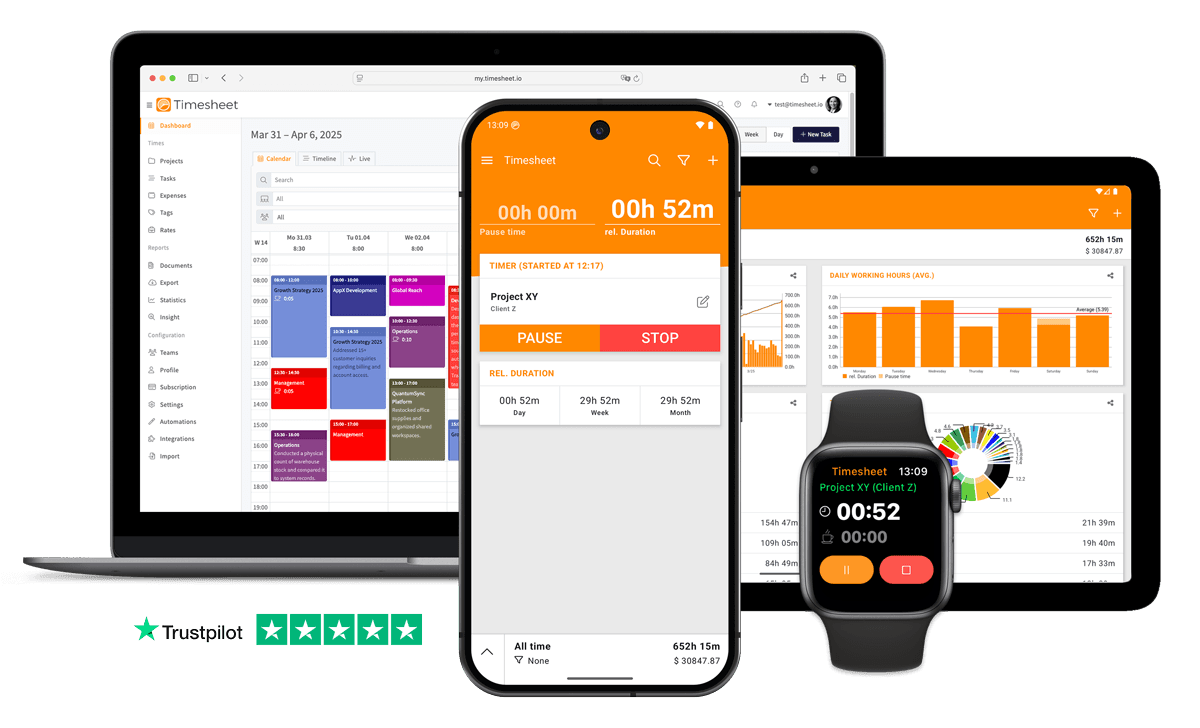
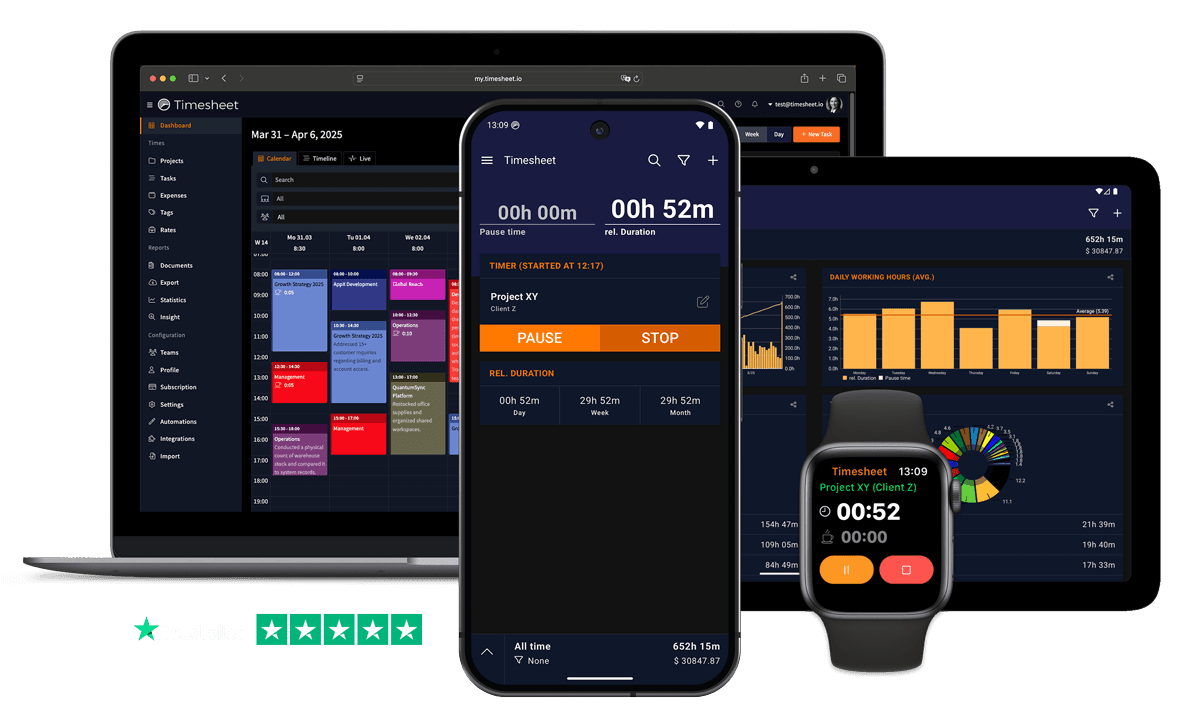
A time clock in your pocket. Punch in with one tap, tap an NFC tag at the door, or clock in automatically when you arrive at work. Timesheet adds up your hours and breaks.


The app is free. Team features and the web app come with a 30-day free trial, no credit card required.
- Free on iPhone and Android
- Works offline
- Export to Excel or CSV
- GDPR Compliant
- Data Encrypted



In short
What is a time card app?
A time card app replaces the paper card and the punch clock on the wall. You clock in and out on your phone, and the app records start, end and breaks and totals your hours. Timesheet does this free on iPhone and Android. To compare it with other apps, read the best time card apps.
Punch in and out the way your day works
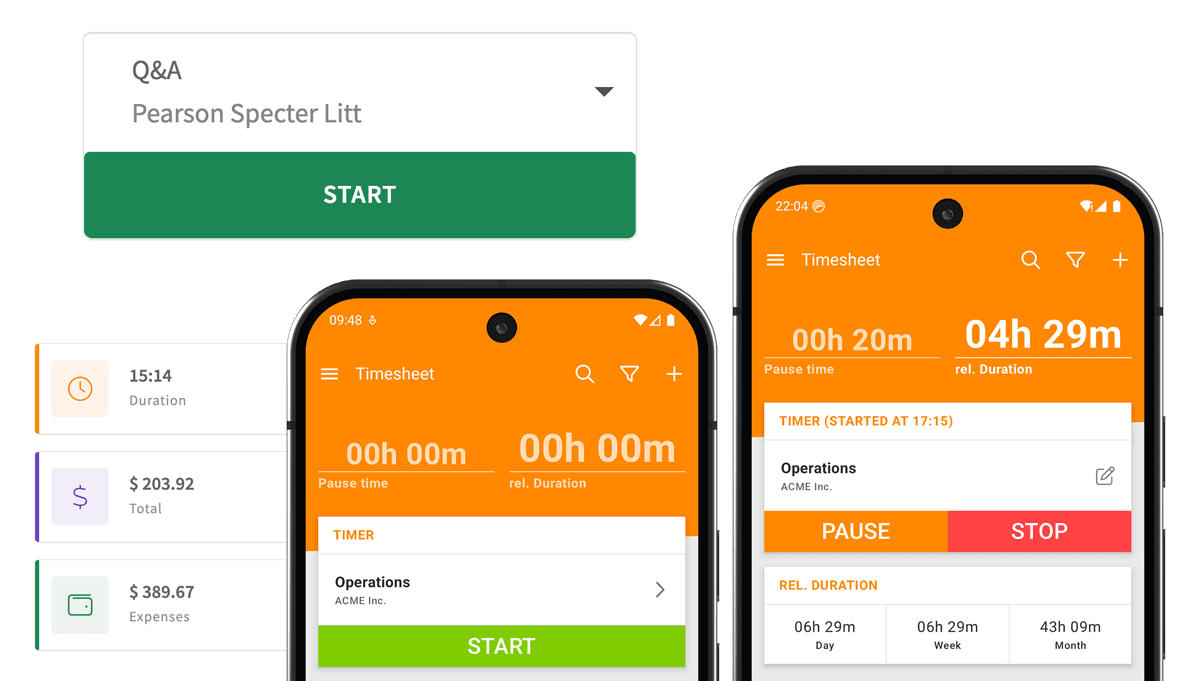
Tap Start when your shift begins, Pause for lunch and Resume when you are back. Tap Stop at the end of the day. Every entry gets a real start and end time, and only one clock runs at a time, so hours never overlap.
The app adds up your hours by day, week and month, with breaks kept apart from working time, so there is nothing left to total on the time card calculator. Forgot to clock in? Add the entry afterwards or fix the start time.

Clock in without opening the app
Most missed punches happen because nobody remembers. Timesheet can punch for you, at no extra cost:
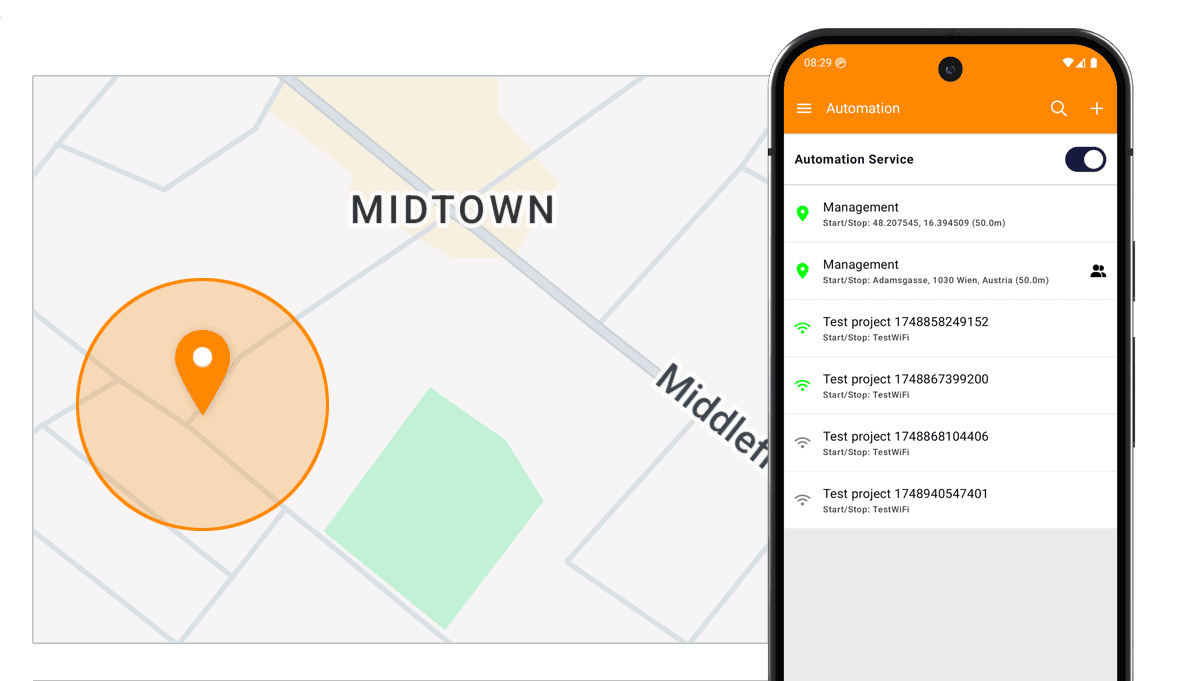

Geofence
The clock starts when you arrive at work and stops when you leave. On iPhone and Android.
NFC tag
Hold your phone to a tag by the door to punch in or out. See the NFC tag guide.
Work Wi-Fi (Android)
On Android, joining the work Wi-Fi can start the clock. iPhone does not allow this.
Smartwatch
Start, pause and stop from your Apple Watch or Wear OS watch, paired with your phone.
Get the free time card app
Install it, tap Start, and your first time card is running. No credit card and no hardware needed.
The app is free. Team features and the web app come with a 30-day free trial, no credit card required.
Hand your time cards to payroll
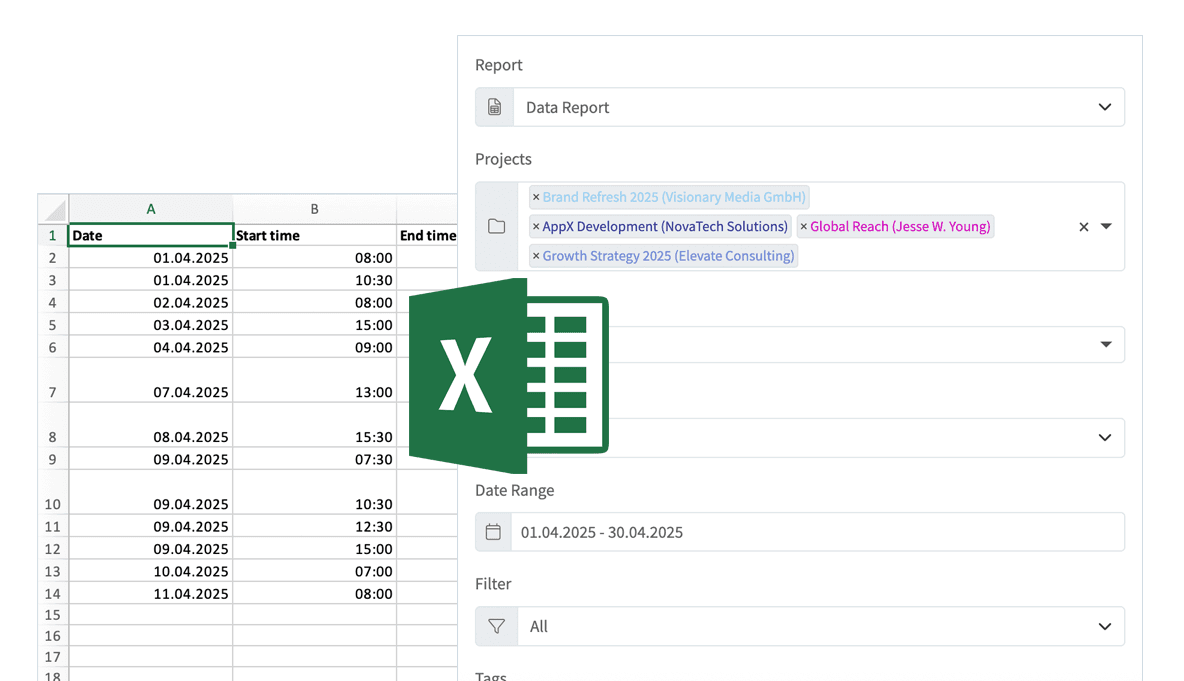
Export your hours to Excel or CSV straight from the phone, on the free plan too, and send the file to whoever runs payroll. The app works offline, so a site without signal never costs you a punch.
Timer rounding is optional: 5, 6, 10, 15, 30 or 60 minutes. The rounded time is what gets saved, so check your company policy first. On Android, a break can also be added automatically after a set working time.
With Pro, the web app adds PDF timesheets, team reports in Excel, CSV or PDF, and a QuickBooks Online connection. To price extra hours, try the overtime calculator.

A time clock for your whole team
There is no wall terminal to buy. Each employee installs the app and clocks in on their own phone, then you invite them to your team and see their hours in the web app.
Team use needs Pro for every member: $10 per user per month, or €8 in euros. Every new account starts with a 30-day free trial, so you can run a full pay period first. The employee time tracking app page shows what managers see.
What this time card app does not do
Better to know before you roll it out:
- No shared kiosk or wall terminal
- Everyone clocks in on their own phone. There is no tablet kiosk, PIN pad, badge or RFID reader, and no photo check at clock-in.
- No GPS tracking during the shift
- An employee can choose to save where a shift starts and ends. Nobody is followed during the day.
- No time card sign-off
- Managers review and edit entries in the web app, but there is no approval step. Approvals cover time off and overtime on the Business plan.
- Wi-Fi clock-in is Android only
- iPhone does not let apps react to Wi-Fi networks. Use a geofence or an NFC tag there.
What it costs
The time card app itself is free. You pay only when you need sync, the web app or a team.
Basic
For one person on one phone
Free
- Unlimited clock-ins and projects
- Breaks, manual entries and expenses
- Geofence and NFC clock-in
- Excel and CSV export
Pro
For teams and the web app
$10per user / month
- Everything in Basic, synced across devices
- The team's hours in the web app
- Roles for members, managers and owners
- PDF timesheets, reports and invoices
Business
For HR and working-time rules
$20per user / month
- Everything in Pro
- Time-off requests and approvals
- Leave and overtime balances
- Checks for missed breaks and rest periods
Plus ($5 a month, one person) adds cloud sync. Annual billing saves at least 10%. After the trial, an unpaid account switches to the free Basic plan and keeps its data.
Compare all plansQuestions about the time card app
Straight answers before you install it.
Yes, on iPhone and Android, with no time limit. The free Basic plan includes unlimited clock-ins, breaks, geofence and NFC clock-in, and Excel or CSV export on one phone. Sync, the web app and teams come with the paid plans.
Yes. Tap Start to punch in, Pause for breaks and Stop to punch out. The app totals your hours by day, week and month. To compare it with other time clock apps, read our guide to the best time card apps.
No. Timesheet has no kiosk mode. Each employee clocks in on their own iPhone or Android phone.
Not continuously. An employee can choose to save the address where a shift starts and ends. Nothing is tracked in between.
Yes. Entries are saved on the phone. With Plus or higher, they sync across your devices once you are back online.
Your next time card fills itself in
Free for iPhone and Android. Clock in with one tap, an NFC tag or your arrival at work.
The app is free. Team features and the web app come with a 30-day free trial, no credit card required.