Small business time tracking on the phones your team already has
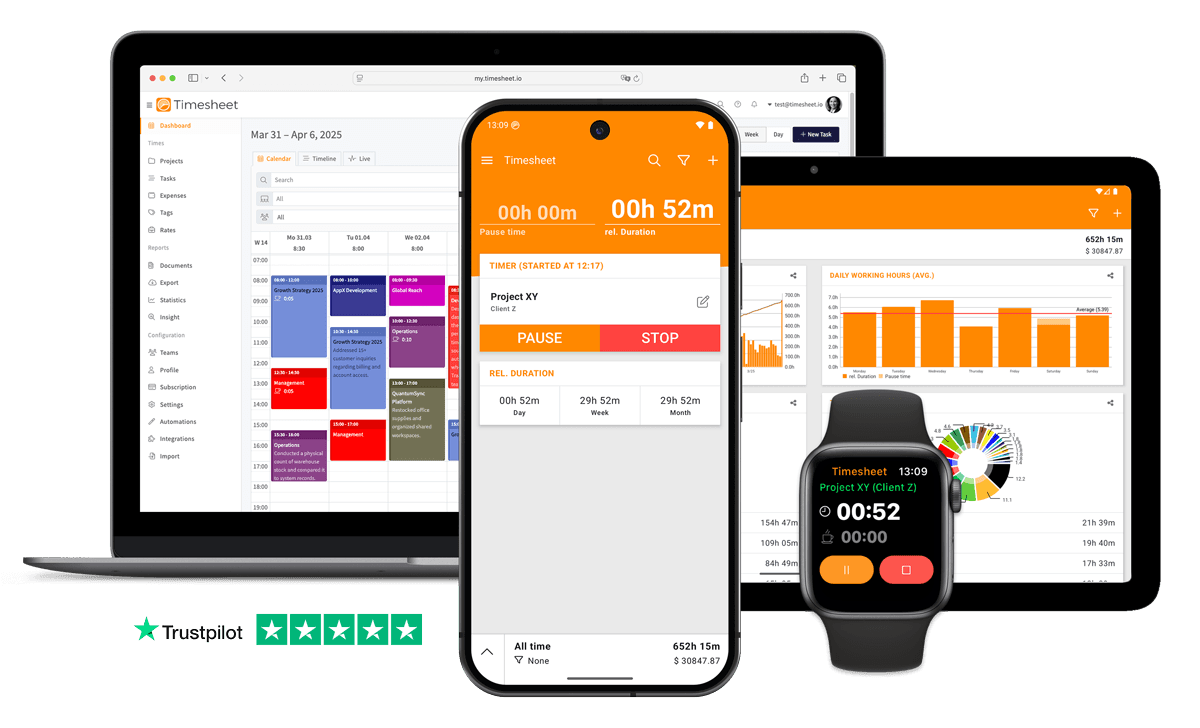
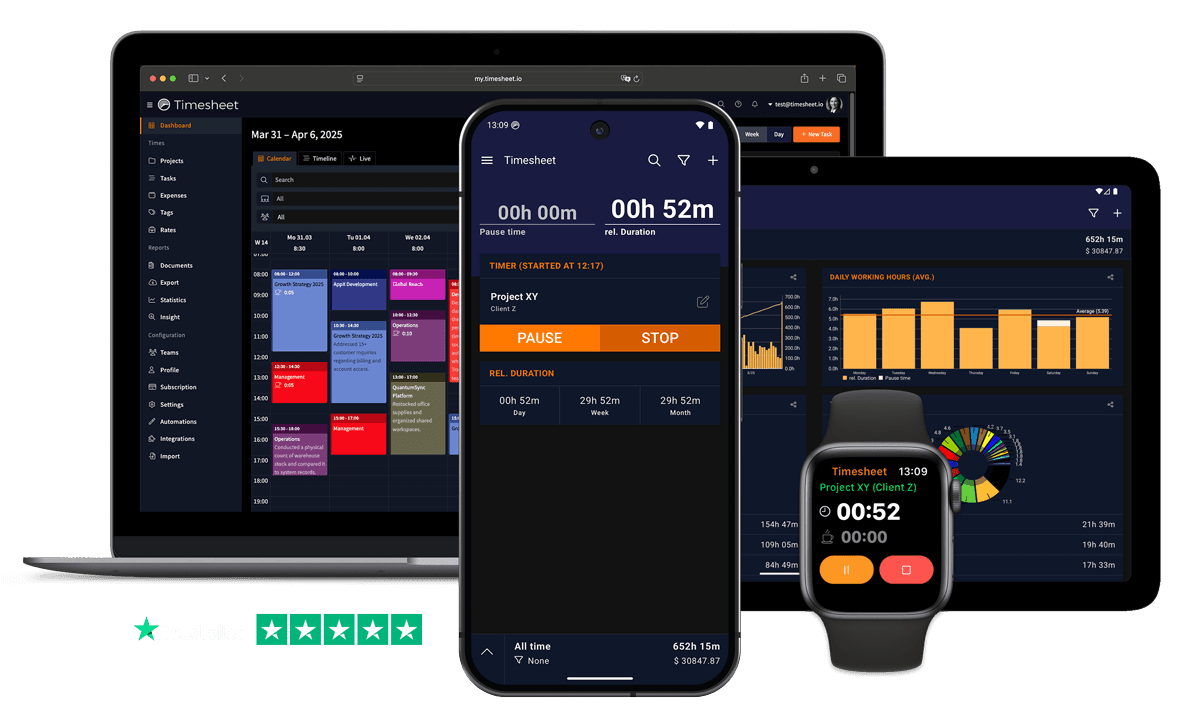
No time clock to install and no IT project. Your employees clock in on their own phone, and you get the hours for payroll and client invoices in the web app.


No credit card required. The mobile app stays free afterwards.
- No hardware or setup fee
- iPhone, Android and web
- Works offline
- GDPR Compliant
- Data Encrypted



In short
What is the easiest way for a small business to track time?
Use the phones your employees already carry. In Timesheet, each person installs the free app and clocks in with one tap. The hours appear in the web app, where you review them and export them for payroll. A team needs Pro at $10 per user per month, so five people cost $50 a month. The first 30 days are free.
Up and running without an IT department
Create an account, name your team and add your employees by email. Each person receives an invitation, installs the app and can clock in. There is no terminal to mount and no server to set up.
Projects keep the hours apart by job, client or location, and you choose which projects each person can see.

What a working day looks like
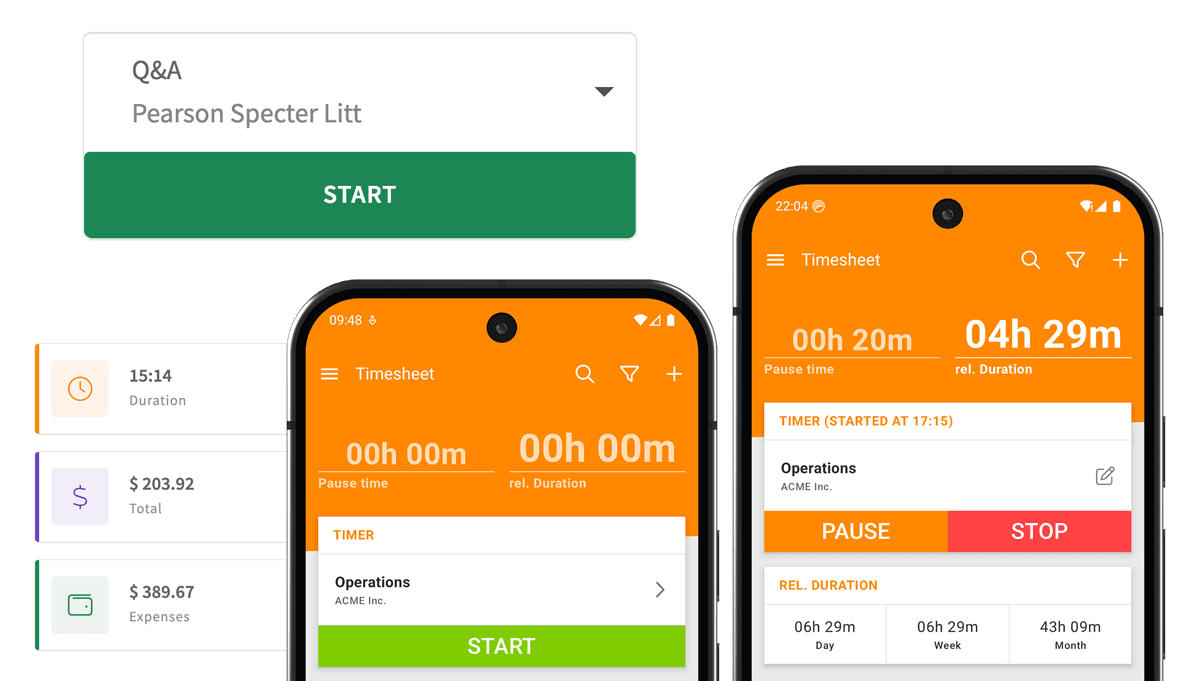
Employees tap Start in the morning, Pause for lunch and Stop at the end of the day. A forgotten clock-in can be added afterwards.
Automatic clock-in
A geofence around the workplace or an NFC tag by the door can start the clock. On Android, the work Wi-Fi can too.
Breaks kept apart
Breaks are tracked with the pause button, apart from working time.
Works on site
The app works offline, so a job site without signal never costs anyone an hour.
Desk or field
People in the office can track their time in the web app instead of on the phone.
Run a full pay period for free
Invite your employees, track one pay period on the 30-day trial and decide afterwards.
No credit card required. The mobile app stays free afterwards.
What you see as the owner
The web app shows the whole team's hours. The Live view tells you who is working right now, and reports break the hours down by person, project and date range.
Give someone you trust the manager role to review and correct entries on their projects. Everyone else sees only their own hours.
Payroll and client invoices from the same hours
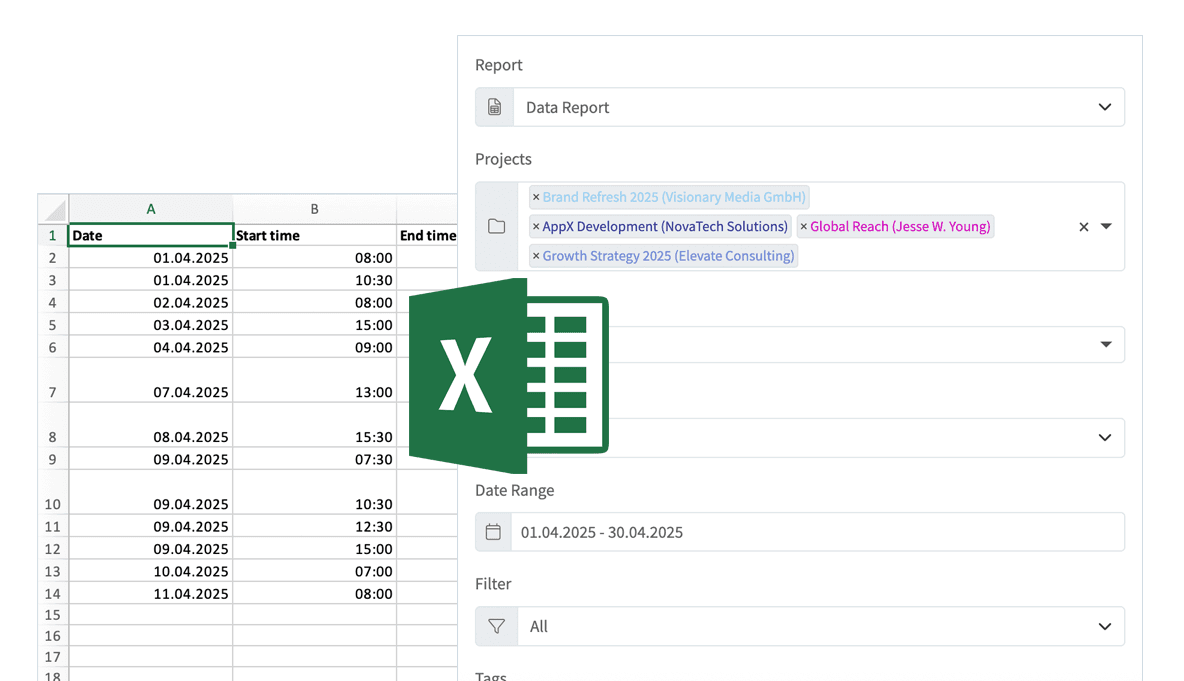
At the end of the pay period, export the hours to Excel, CSV or PDF, or send them to QuickBooks Online as time activities.
If you bill clients by the hour, set a rate per project and turn the tracked hours into PDF invoices in the web app. Expenses and notes sit on the same record.

Room to grow
Start with Pro. When you need time-off requests, leave balances and overtime against contracts, move to Business at $20 per user. Pro and Business suit teams of up to 50 people, Enterprise up to 200.
The employee time tracking app page goes through the manager side step by step, and time and attendance software covers absences and working-time rules.


What a small business should know first
The points that matter before you roll it out:
- Teams pay per user
- The app is free for one person. Every team member needs Pro at $10 per user per month.
- Phones, not a shared terminal
- There is no kiosk, tablet terminal, PIN pad or badge reader. Everyone clocks in on their own phone or in the browser.
- No timesheet sign-off
- Managers review and correct entries in the web app, but there is no approval step for time entries. Approvals cover time off and overtime (Business).
- It does not run payroll
- Timesheet hands the hours to payroll as a file or through QuickBooks Online. It does not calculate taxes or pay wages.
What it costs a small team
One price per person. No setup fee and no hardware.
Basic
One person on one phone, no team
Free
- Unlimited time tracking
- Geofence and NFC clock-in
- Excel and CSV export
- Works offline
Pro
Time tracking for the whole team
$10per user / month
- The team's hours in the web app
- Roles, live view and reports
- PDF invoices and Excel, CSV and PDF exports
- QuickBooks Online, Zapier and API
Business
Adds HR and working-time rules
$20per user / month
- Time-off requests and approvals
- Leave, overtime and flextime balances
- Checks for missed breaks and rest periods
- Overtime approval
Five employees on Pro cost $50 a month, ten cost $100. Save at least 10% with annual billing. The 30-day trial includes the paid features; if you do not pay afterwards, the account switches to the free Basic plan and keeps its data.
Compare all plansSmall business time tracking questions
What owners ask before they start.
Let employees clock in on their own phone and collect the hours in one place. That replaces paper timesheets and a wall terminal, and payroll gets the hours as an export instead of retyped numbers.
The Timesheet app is free for one person on one phone. A team needs Pro at $10 per user per month. You can run a full pay period on the 30-day free trial, without a credit card.
Five people on Pro cost $50 a month and ten cost $100. Annual billing saves at least 10%. There is no setup fee and no hardware.
With Pro, Timesheet sends hours to QuickBooks Online as time activities. Excel, CSV and PDF exports work for any other payroll tool.
Yes. The app works offline and saves the entry on the phone. The hours reach the web app once the phone is back online.
Replace the paper timesheet this month
Start your free trial, invite your team and see the first week of hours arrive in the web app.
No credit card required. The mobile app stays free afterwards.