Time tracking and billing software that turns hours into invoices
Track billable hours per client and project at your own rates, then turn them into a PDF invoice with your logo, tax and invoice number. Nothing to retype into a separate billing tool.


No credit card required. The mobile app stays free afterwards.
- Hourly rates per project
- PDF invoices with your logo
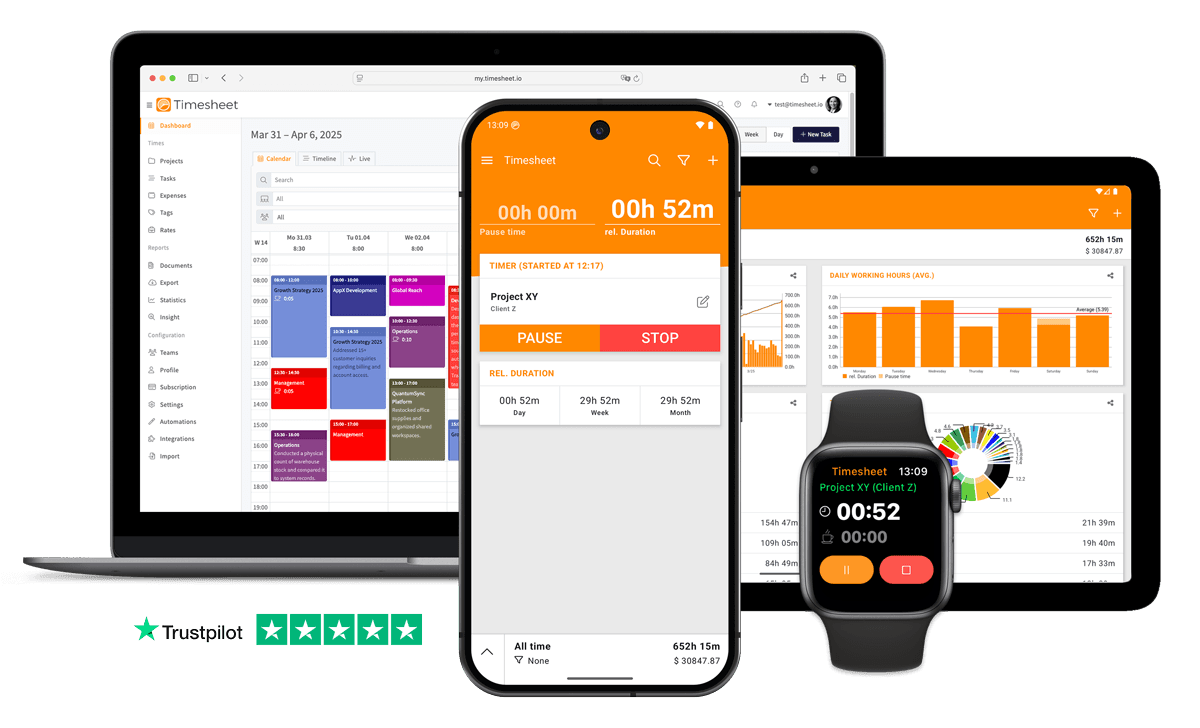
- iPhone, Android and web
- GDPR Compliant
- Data Encrypted



In short
What is time tracking and billing software?
Software that records the hours you work for each client and turns them into invoices, so nothing is retyped between a timer and a billing tool. In Timesheet you track time on your phone or in the web app at each project's hourly rate, then create a PDF invoice from the hours you select. Invoices are part of Pro at $11.99 per user per month, and the first 30 days are free.
Track billable hours per client and project
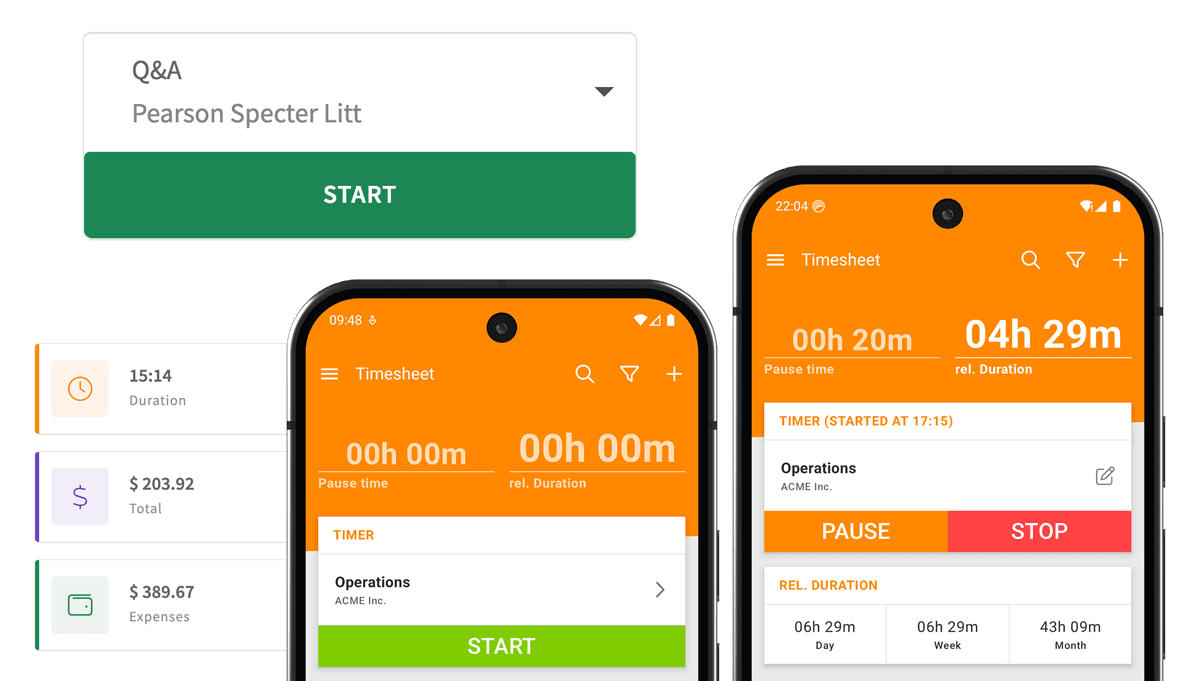
Give each project an hourly rate and every entry knows what it is worth. Start the timer on your phone or in the web app, or add an entry afterwards when you forgot.
Not every hour is billable. Mark internal work as non-billable and it stays out of your earnings and invoices, while the hours still show in your reports.

Rates for special work
A rate multiplies the hourly rate or adds a fixed amount per hour, for overtime, weekend or rush work.
Expenses on the same project
Log travel, materials or a flat fee as an expense, with the receipt attached, and bill it with the hours.
Automatic start
A geofence around a client's site or an NFC tag can start the timer, so arriving starts the billable clock.
Your team's hours too
On Pro, everyone on the team tracks to the same projects, and you invoice their hours together.
From tracked hours to a PDF invoice
In the web app, open Documents, pick the client and select the hours to bill: by date range, project or team member, or everything not billed yet. Each task becomes a line with its description, time and rate, and expenses and notes can come along.
Your company details, logo and payment terms go on every invoice, and a saved template fills them in next time. An invoice series numbers your invoices automatically, so the numbering stays consistent. The iPhone app creates the same invoices on the go.
Tax and discounts
Up to two tax rates and two discounts per invoice, or no tax section where none applies.
Payment QR code
Add your bank details and a payment code such as a SEPA QR code or a Swiss QR-bill.
E-invoices
For clients who need one, the PDF can carry a ZUGFeRD e-invoice (EN 16931).
Sent from the app
Email the PDF to your client from the web app, or download it and send it yourself.
Send your first invoice this week
Track a few days of client work on the 30-day trial and turn them into a real invoice before you decide.
No credit card required. The mobile app stays free afterwards.
Send the timesheet with the invoice
Some clients want to see the hours behind the total. Create a timesheet from the same entries and send it along: dates, tasks and hours, with a signature line when the client signs off on paper.
For work on site, a work record lists each task with its start and end time and its own signature line, so the client can sign as the job gets done.
See what is billed, paid and still open
Every invoice shows its total, the amount paid and its status. Mark it paid with the date and payment method when the money arrives, and filter the list for what is still unpaid.
The hours keep their own status too: billable, billed or paid. Mark them billed when the invoice goes out, and the next invoice starts from the hours that are not billed yet.
Or bill from QuickBooks
Already invoice from QuickBooks Online? Timesheet sends the tracked hours there as time activities, and you bill the billable hours from QuickBooks.
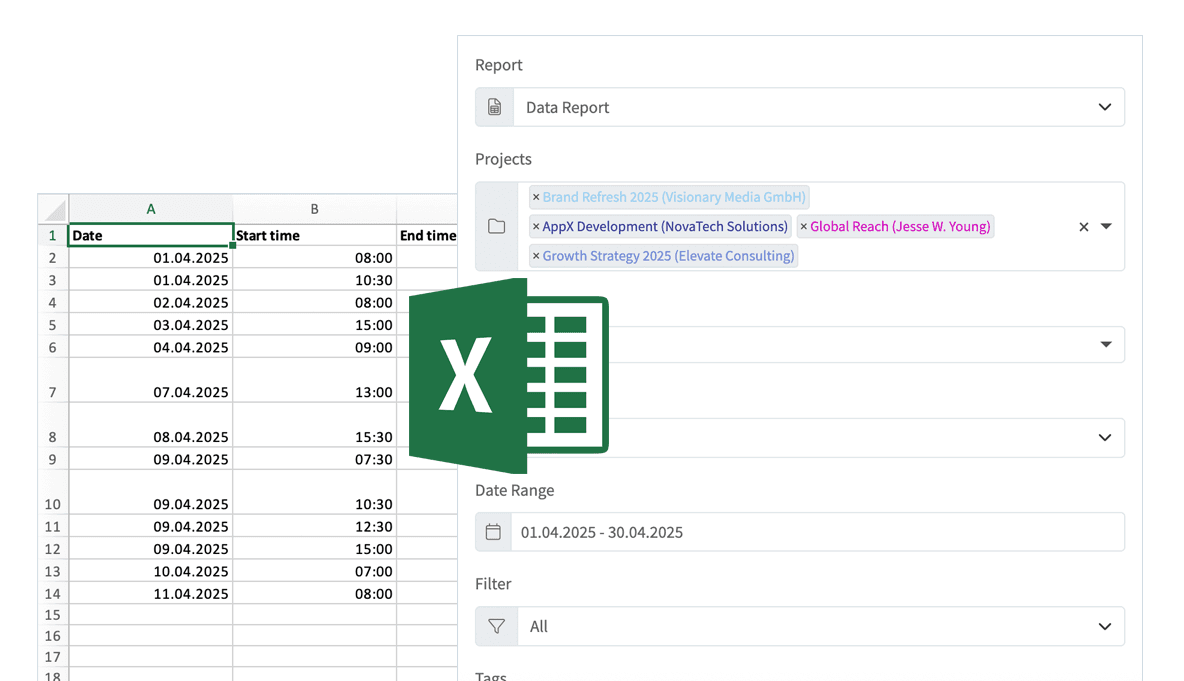
Excel, CSV and PDF exports hand the hours to any other billing or accounting tool.

Good to know before you start
Where Timesheet stops:
- Invoices need Pro
- The free app tracks hours, rates and expenses and exports them to Excel or CSV. PDF invoices are part of Pro at $11.99 per user per month.
- Lines come from tracked work
- Each line on an invoice is a tracked task or an expense. A flat fee or materials go on the invoice as an expense.
- No card payments
- Timesheet does not collect payments. The invoice carries your bank details or a payment QR code, and you mark it paid when the money arrives.
- Not in the Android app
- Invoices are made in the web app or the iPhone app. On Android you track the hours, then create the invoice in the browser.
What time tracking and billing costs
Tracking is free. Invoicing starts with Pro.
Basic
Your own hours on one phone
Free
- Unlimited time tracking
- Hourly rates and expenses
- Excel and CSV export
- Works offline
Pro
Invoices and the web app
$11.99per user / month
- PDF invoices, timesheets and work records
- Invoice numbering, tax and discounts
- Web app and cloud sync
- QuickBooks Online, Zapier and API
Business
Adds HR for teams with employees
$21.99per user / month
- Everything in Pro
- Time-off requests and approvals
- Leave, overtime and flextime balances
- Checks for missed breaks and rest periods
A freelancer on Pro pays $11.99 a month, a team of five $59.95. Save about 30% with annual billing. The 30-day trial includes invoicing; if you do not pay afterwards, the account switches to the free Basic plan and keeps its data.
Compare all plansKeep going
Time tracking and billing questions
What freelancers and small teams ask first.
Only if it carries what an invoice needs. In most countries that is a unique invoice number, both parties' names and addresses, the date, what was supplied, the net amount, the tax and the total due. A plain hour log has none of that. The safer way is an invoice with the timesheet attached as backup, and Timesheet creates both from the same hours.
Track the hours to a project with the client's hourly rate. At the end of the month, select the billable hours that are not billed yet, create the invoice and send the PDF. Then mark the hours billed, and the invoice paid when the money arrives.
Tracking is free: the Timesheet app records unlimited hours with rates and expenses for one person. Invoices need Pro at $11.99 per user per month, and the 30-day trial lets you send real invoices first, without a credit card. For a single invoice now and then, the free invoice generator works without an account.
Yes. Expenses on the same project appear on the invoice with their description and amount, next to the hours.
Yes. With Pro, Timesheet sends hours to QuickBooks Online as time activities, so you can invoice from QuickBooks if that is where your books are.
Get paid for the hours you already track
Start your free trial, track your client work and send the first invoice from those hours.
No credit card required. The mobile app stays free afterwards.