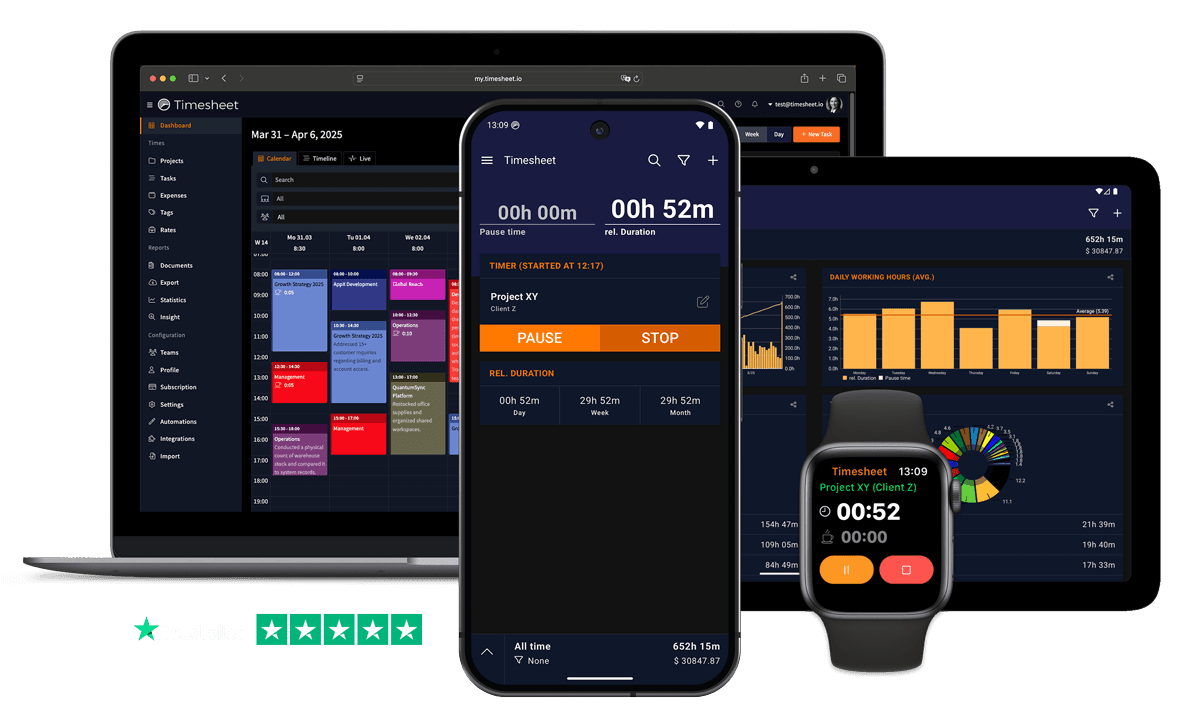
Choose Timesheet if
- You want fast capture from watch, widget, or NFC tag.
- You need offline tracking on mobile.
- You want invoices without buying a planning suite.
- Your project planning already happens in another tool.
Use Timesheet when you want timers, reports, invoices, exports, and AI logging without managing a full project-management suite.


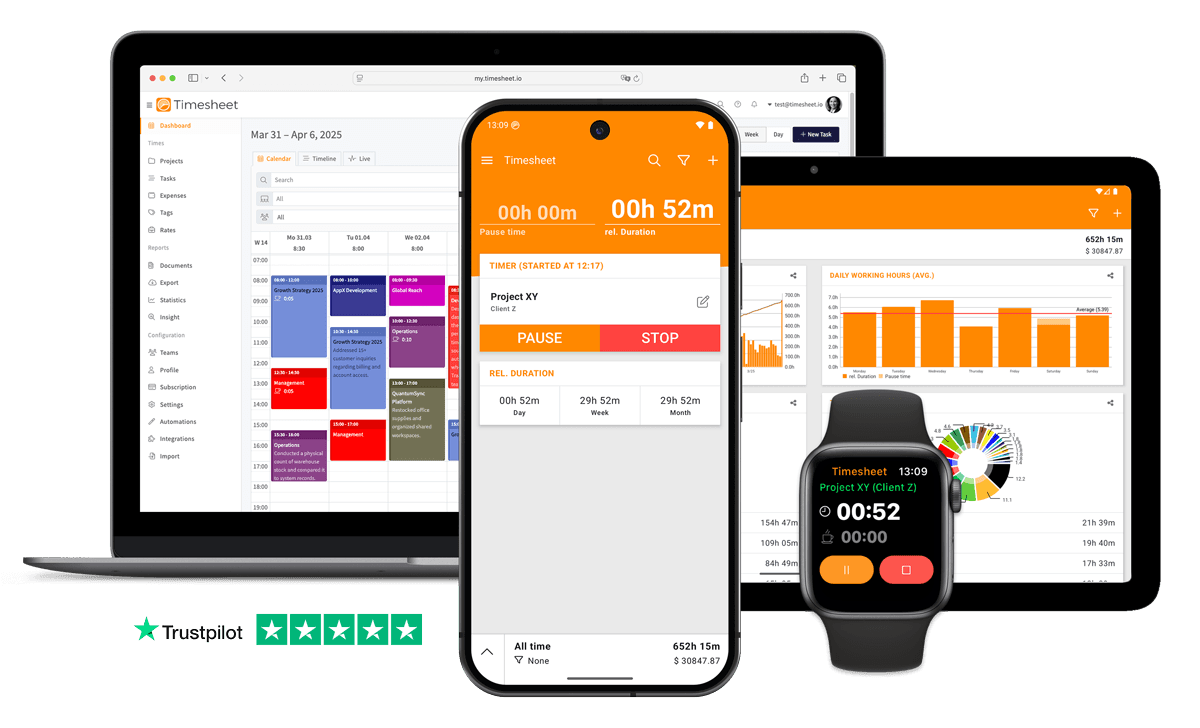
Better Value
More features, less cost
Easy Switch
Switch in minutes
Quick verdict
Paymo bundles project management, time tracking, and invoicing, with Kanban boards, Gantt charts, and resource scheduling. Timesheet does none of the planning and concentrates on capture, reporting, and billing. Paymo is the better buy if you want one tool for everything; Timesheet is better if planning already happens elsewhere.
| Product | Starting price | Important limit |
|---|---|---|
| Timesheet Basic | $0 | One user on mobile, with unlimited projects and Excel and CSV export. Cloud sync and web access require a paid plan. |
| Paymo free plan | $0 | Free for 1 user, 1 client, 2 projects. Enough to trial the workflow rather than to run a client base. |
| Timesheet Pro | $10 per user/month | Adds web access, invoices, team features, API access, and the Chronis AI assistant. |
| Paymo entry plan | $9.90 per month | Solo, standard monthly price after any introductory discount. |
Pricing and features last verified: .
See where Timesheet differs on tracking, reporting, automation, and price.
Track time without Gantt charts, Kanban boards, and project-management features you do not plan to use.
Use our MCP Server to manage time via ChatGPT or Claude. AI Insight answers questions about your tracked time instantly. Both are part of the Pro plan.
Track time without internet and sync later. Paymo requires constant connectivity.
Transparent per-user pricing with the feature list published per plan.
A focused app that opens straight into the timer, without loading a full project-management workspace first.
Automatic time tracking based on location. Paymo doesn't offer location-based tracking.
Compare features, pricing, mobile tracking, automation, and reporting.
| Feature | Timesheet | Paymo |
|---|---|---|
| Mobile Apps (iOS & Android) | Included | Included |
| Offline Mode | Included | Not included |
| AI-Powered Insights | Pro | Not included |
| MCP Server (ChatGPT/Claude) | Pro | Not included |
| GPS/Geofencing | Included | Not included |
| Invoice Generation | Pro | Included |
| Simple Pricing | Included | Not included |
| Break Tracking | Included | Included |
| Expense Tracking | Included | Included |
| Apple Watch App | Included | Not included |
| Fast Performance | Included | Not included |
| Free Plan Available | Included | 1 user only |
If Paymo no longer fits your work, Timesheet covers the core migration steps:
Create your account in less than 30 seconds.
Create your projects and invite your team.
Start tracking time immediately - on any device.
See what our users have to say about Timesheet.
"We've used Timesheet for 4 years at our company. It saves time and makes it easier to track activities across many team members and allocate time and expenses to projects. My favourites:+ Easy to use calendar interface. + Excel export and analytics+ Responsive and helpful support."
David Sommer
"I've been using it for 1.5 years with great satisfaction. The app allows me to keep track of exactly what I'm spending my time on (I work as a freelancer) and to have a comprehensive and accurate view of my activity, month after month."
Noé Thys
Freelancer
"Used this app for over two years now. It's excellent. Easy to use. The layout is clean and user friendly. The developer keeps updating and improving it regularly. I like it so much that I donated 5Euro to buy him a beer in the "donate" option. Try it, you'll love it"
Tommy Thorn
Developer
"I've been using the free version for my business for years, and I love it. Before I discovered it, I was a mess. It helps me keep track of tons of projects at once, and I can quickly and easily switch between projects."
Karynne Moses
Designer
"I've been using this app for about 7 years now. I rely on it and it's been reliable and frequently improved. A great app. Highly recommended for time tracking as a contractor, multiple projects at once etc."
Brian Davis
Freelancer
"Works perfectly. The timer feature isn't something I use all of the features on, but it is nice to not have to remember when I arrived at my client. Developer is responsive to feedback!"
Brandon Knitter
Developer
 App Store
based on reviews
Google Playfrom 13,317 ratings
Straight answers based on the current plans and published product documentation.
No. Timesheet has projects, tasks, and todos, but no Kanban board, Gantt chart, or resource scheduler. If you plan work visually, Paymo covers ground Timesheet does not.
Timesheet, for most people. Native watch apps, widgets, and NFC or geofence automation start a timer without opening a project view first.
Yes. Timesheet produces PDF invoices with rates and expenses on the Pro plan, so the billing step does not require the wider project suite.
Yes. If you want time tracking, task management, resource scheduling, and invoicing in a single product, Paymo is a broader tool and that consolidation has real value.
Join thousands who chose focused time tracking over bloated PM suites. Start your free trial today.