Clock in at the gate, even without signal
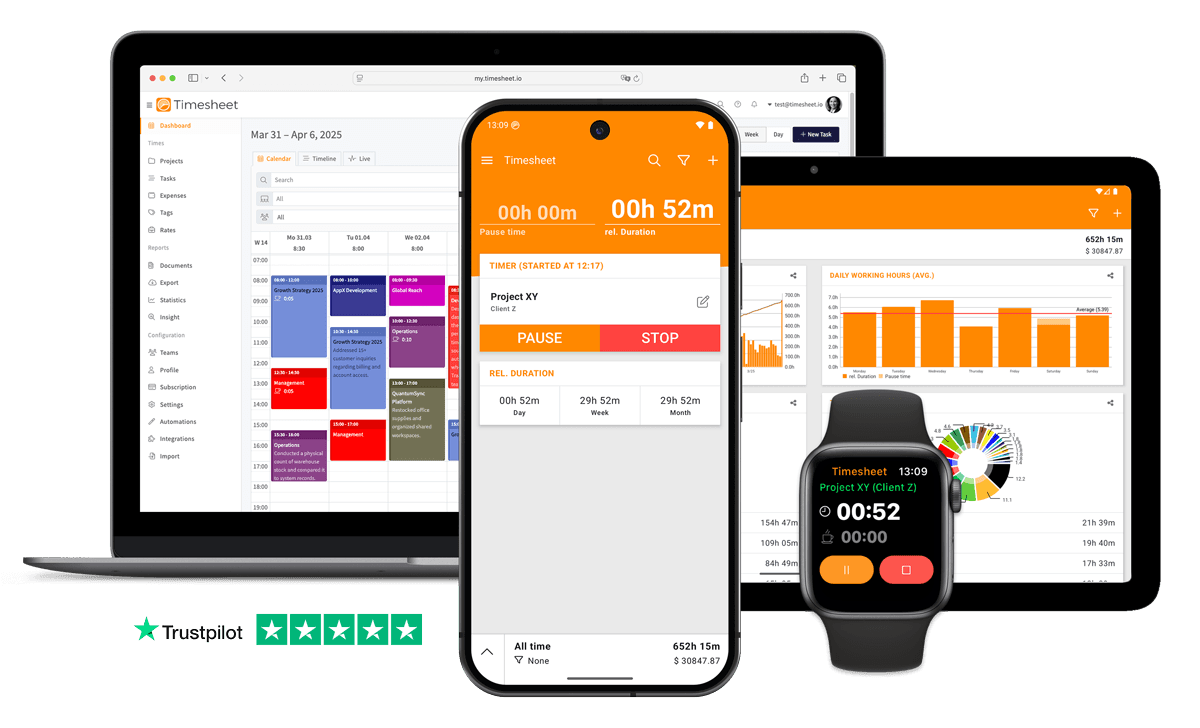
The timer keeps running offline and syncs once you are back in range, and a geofence around the site can start and stop it.


7h 45m
Tracked
Synced
All Devices



Designed specifically for Construction Workers
Forgetting to start or stop timers when moving between multiple job sites
Geofencing automatically detects when you arrive or leave job sites and triggers time tracking.
No internet on job sites makes digital time tracking difficult
App works completely offline. Data syncs automatically when connection is available.
Desktop-first time tracking software is left unused when construction workers are away from the computer
Native iOS and Android apps with one-tap timer, offline mode and Apple Watch support.
Paper timesheets get lost or damaged on construction sites
Digital entries on your phone. Backed up to cloud instantly.
Workers move between job sites daily
Mobile clock in/out from any site. GPS location verification.
Without project-level tracking, construction workers never know which jobs are actually profitable
Every tracked second is filed against a project, task and client with its own hourly rate.
Crew coordination across job sites falls apart when foremen track hours on paper or separate apps
Team project sharing gives every crew member a unified time log per site. Geofence automation verifies presence.
Understanding time distribution per job site and project requires manual analysis
Ask AI Insight: 'How many hours did I work at the Miller job site this month?'
“Rework costs average 5% of total construction costs, with 52% of rework stemming from poor project data and miscommunication”
Source: Construction Industry Institute
What Timesheet Handles
Time tracking, reports, invoices, exports, automation, HR rules, and AI logging in one system.
Simplified Time Tracking
Clock in with one tap, even in work gloves. The timer keeps running with no signal in a basement and syncs once the phone is back on the network.
- One-tap time tracking
- WLAN & Geofencing automation
- Scheduled break reminders
- NFC tag support

Project & Task Management
Each site gets a project and each trade a task, so formwork, rebar and the pour are separate lines instead of one block of hours.
- Unlimited projects
- Task categorization
- Team collaboration
- Calendar integration

Accurate Feedback & Analytics
Per site, per crew and per worker, the week arrives already totalled, overtime included, so nobody adds up day sheets on a Sunday night.
- Daily, weekly, monthly reports
- Income tracking
- Trend identification
- Export to Excel & CSV

Professional Invoice Generation
Bill the client for the hours worked on their site, as a PDF with the daily breakdown. Expenses and mileage come from the same entries.
- Generate invoices from time entries
- Add expenses and notes
- Track payment status
- PDF export

Comprehensive Data Export
Payroll gets the week per worker as CSV, filtered by site and date range, so nobody transcribes a paper day sheet again.
- Excel export
- CSV export
- PDF reports
- API access

Automatic Time Tracking
A geofence around the site clocks the crew in on arrival and out when they leave, and each entry records the site it started at.
- Location-based tracking
- WLAN detection
- Background timer operation
- Persistent quick actions

HR-Ready Time Tracking
Rest periods, overtime and leave build up as the hours are logged, and absence requests get approved or rejected before the month is closed.
- Contracts & employment models
- Live working-time limits
- Leave & overtime balances
- Absence requests & calendar

AI-First Time Tracking
After the shift, tell the assistant to put eight hours of formwork on the Riverside site. Or ask how many hours the crew logged this week.
- Log time in one message
- Control the timer from chat
- Instant project answers
- Reminders, daily & weekly

Everything You Need
- Log work hours via ChatGPT, Claude, or Gemini
- One-tap timer on iOS, Android and the web
- Unlimited projects, tasks and clients for construction workers
- Works offline on job sites
- Track regular hours, breaks, overtime and billable time
- Daily shift summaries
- Per-project hourly rates
- Automatic timesheets, no manual entry
- Geofencing automation when arriving at construction sites
- Crew attendance dashboard
- Location-verified time entries for accurate billing
- Export timesheets to Excel/CSV
- Compliance record keeping
Integrate With Your Favorite Tools
Send tracked time where the rest of your work already happens.










Plans by workflow
Start free, add sync, teams, HR, or AI when you need them.
Multi-user plans
For teams that work together across web, mobile, AI, and HR.
Pro
Best for Professionals
per user
- Everything in Plus
- Web Access
- Invoice Generation
- Team Features
- API Access
- Chronis AI assistant (chat-based tracking)
- MCP server (Claude · ChatGPT)
Business
HR & AI for growing teams
per user
- Everything in Pro
- Contracts & employment models
- Working-time limits & live caps
- Absence requests, approvals & calendar
- Leave & overtime balances
- Rest period & break enforcement
- Custom approval workflows
- Flextime & core-time policies
- Audit logs & compliance reports
Enterprise
Scale & dedicated support
per user
- Everything in Business
- Up to 200 team members
- 24/7 priority support
Single-user plans
Mobile-first plans for individuals.
Basic
Perfect for personal use
- Time Tracking
- Unlimited Projects
- Basic Statistics
- Excel & CSV Export
Plus
Great for freelancers
- Everything in Basic
- Cloud Backup
- Real-time Sync
- Unlimited Storage
All prices are net prices. Applicable taxes (VAT) will be added at purchase.
Frequently Asked Questions
Straight answers about plans, trials, payments, and data.
Yes. Your subscription stays active until the end of the current billing period, then switches to the Basic plan.
Yes. Upgrades are charged immediately for the prorated difference. Downgrades take effect at the end of the current billing period.
Yes. The Basic plan includes core time tracking features, including the mobile app, projects, and data export.
Yes, we offer a 30-day free trial for both Plus and Pro plans. No credit card is required to start your trial, and you can cancel anytime.
If you do not subscribe after the trial, your account switches to the Basic plan. Your data stays in place, but premium features are limited.
Yes. You can delete your account from account settings. Deletion is permanent and removes your data.
Timesheet accepts payments through Stripe and PayPal. You can pay by card through Stripe or use your PayPal balance and linked payment methods.
We do not store card details on Timesheet servers. Payment processing is handled by Stripe and PayPal.
Timesheet uses encryption, cloud infrastructure, backups, and account-based access controls. You can also export your data from the app.
Visit the Help Center at https://help.timesheet.io or email support@timesheet.io. Support usually replies within 24 hours.
Loved by Thousands Worldwide
See what our users have to say about Timesheet.
"This app is great. Been using it for a long time. The recent update has made the app a lot faster and more smooth in the operation. Keep up the good work team 💪"
Tim Smart
"Super program. Używam go od roku. Zdecydowanie nadalem się do prowadzenia firmy i monitorowania pracy. Polecam"
Tomasz K.
"Very easy to use. This program is a very helpful tool for me. Many thanks to the team."
Alfred Rühl
"I've been using this app on & off for a few years, to track productivity and sometimes just "time spent." Lately, most days I don't even know what I did all day. This app helps me be more aware of what I'm doing with my time each day / week / etc."
Laurel Schenkoske
"The app is both easy to use, for example via the widgets, and versatile enough to make detailed notes or assign working time or activity to different projects, employers or occasions. I can only recommend it."
Z. Altug
"Loving it! I want to know how long jobs take, so I can price them properly, and also how much of my time is soent in overhead activities. It does that beautifully. Easy to use and the information I need is presented very clearly. I am very impressed! Thank you."
Jutta C
 App Store
based on reviews
Google Playfrom 13,317 ratings
Clock in on your next shift
Starting costs nothing, and 30 days of Pro add overtime balances and timesheet exports.
Contact Us
Message us at any time, we'd love to hear from you.
Find us on Social Media
Stay connected with us on Social Media. You can find us on Facebook, Instagram, X, and LinkedIn.
Read the docs
Use the documentation for setup, API, and integration questions. For anything account-specific, contact support.
Want To Know More?
We'll get back to you as soon as possible.