Find out what a video really costs you
Tag time as scripting, filming or editing, then read the hours per video in a report before you quote your next sponsor.


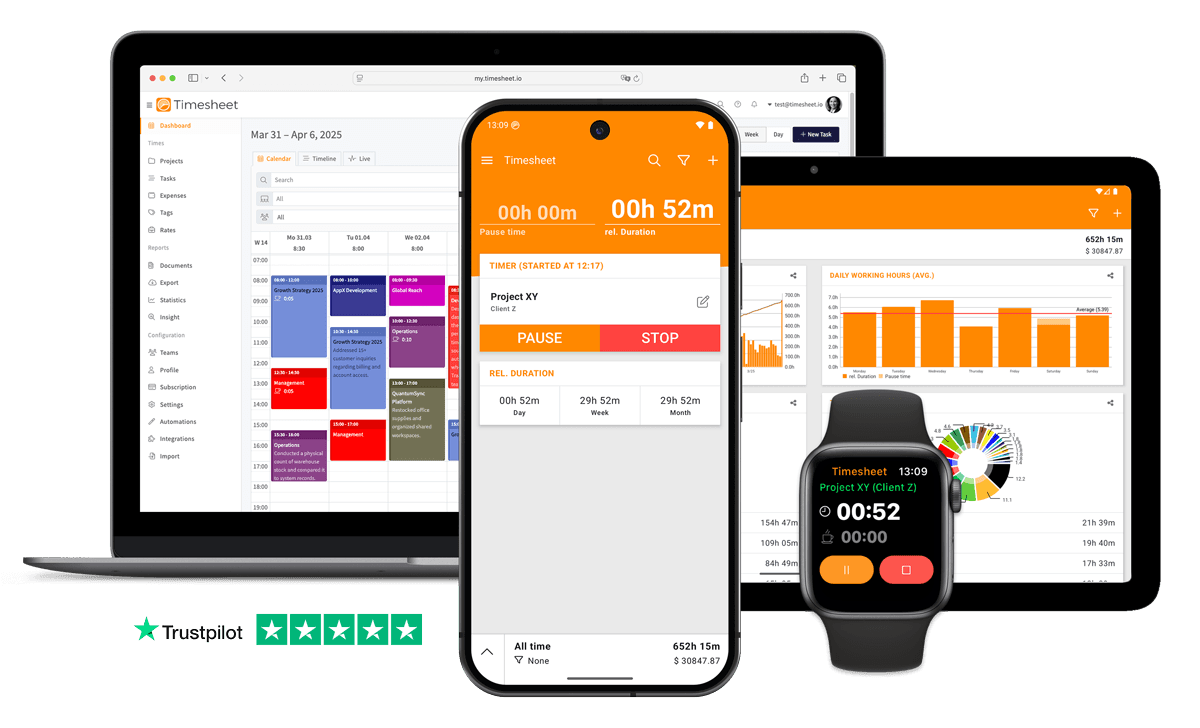
7h 45m
Tracked
Synced
All Devices
- GDPR Compliant
- Data Encrypted
- 4.5/5 from 13,000+ reviews
- Free plan available
- iOS, Android & web
- Works offline



Designed specifically for Content Creators
Creative work flows between filming, editing, and planning without clear time boundaries
Log time easily: 'Add 4 hours video shoot for Brand Deal X' via MCP Server.
No idea how many hours each video or podcast actually takes
Create projects per content piece. Track scripting, recording, editing separately.
Desktop-first time tracking software is left unused when content creators are away from the computer
Native iOS and Android apps with one-tap timer, offline mode and Apple Watch support.
Content work happens at studios, on location, and at home
Track from any location. Tag time by project, brand, and content type.
Creating content for multiple clients
Allocate hours to each project. Clear client billing records.
Without project-level tracking, content creators never know which jobs are actually profitable
Every tracked second is filed against a project, task and client with its own hourly rate.
Understanding time distribution per project and content type requires manual analysis
Ask AI Insight: 'How many hours did I spend on editing vs. filming this month?'
Pricing sponsor deals without knowing your time cost
See actual hours per content type. Set rates based on real production time.
“86% of content creators now use creative generative AI, with 76% reporting it has accelerated the growth of their business”
Source: Adobe Creators' Toolkit Report
What Timesheet Handles
Time tracking, reports, invoices, exports, automation, HR rules, and AI logging in one system.
Simplified Time Tracking
Track scripting, the shoot and the edit as separate entries. You know what a finished video costs in hours before you quote the next one.
- One-tap time tracking
- WLAN & Geofencing automation
- Scheduled break reminders
- NFC tag support

Project & Task Management
Run one project per channel or client, with tasks for research, shooting and post. Projects and tags are unlimited, and each project carries its own hourly rate.
- Unlimited projects
- Task categorization
- Team collaboration
- Calendar integration

Accurate Feedback & Analytics
Split the totals by channel, format and client, with the revenue each brand deal brought in. A ten-hour edit stops passing for a five-hour one.
- Daily, weekly, monthly reports
- Income tracking
- Trend identification
- Export to Excel & CSV

Professional Invoice Generation
Build the invoice for a brand deal from the hours it took, as a PDF with the production breakdown. Flag it billed, then paid once the transfer clears.
- Generate invoices from time entries
- Add expenses and notes
- Track payment status
- PDF export

Comprehensive Data Export
When a sponsor queries an invoice, one project exports as PDF. At year end the whole year goes to your accountant as CSV.
- Excel export
- CSV export
- PDF reports
- API access

Automatic Time Tracking
A Wi-Fi rule starts the timer when you sit down at the edit machine, and stops it when you leave the network.
- Location-based tracking
- WLAN detection
- Background timer operation
- Persistent quick actions

HR-Ready Time Tracking
Bring an editor or an assistant onto the account and their hours, overtime and approved time off land in the same reports as your own.
- Contracts & employment models
- Live working-time limits
- Leave & overtime balances
- Absence requests & calendar

AI-First Time Tracking
Close the edit, then tell ChatGPT to put four hours on the sponsor video, or ask which client took the most hours last month.
- Log time in one message
- Control the timer from chat
- Instant project answers
- Reminders, daily & weekly

Everything You Need
- Log content time via ChatGPT, Claude, or Gemini
- One-tap timer on iOS, Android and the web
- Track time from studio, location, or home
- Projects per brand or client
- Tag entries by filming, editing, review, or publishing stage
- Ask AI Insight questions about time distribution per project
- Sync across phones, tablets, and web
- Weekly hour summaries
- Per-project hourly rates
- Automatic timesheets, no manual entry
- Team project sharing tracks pipeline progress per creator
- Content type distribution charts
Integrate With Your Favorite Tools
Send tracked time where the rest of your work already happens.












Plans by workflow
Start free, add sync, teams, HR, or AI when you need them.
Multi-user plans
For teams that work together across web, mobile, AI, and HR.
Pro
Best for Professionals
per user
- Everything in Plus
- Web Access
- Invoice Generation
- Team Features
- API Access
- Chronis AI assistant (chat-based tracking)
- MCP server (Claude · ChatGPT)
Business
HR & AI for growing teams
per user
- Everything in Pro
- Contracts & employment models
- Working-time limits & live caps
- Absence requests, approvals & calendar
- Leave & overtime balances
- Rest period & break enforcement
- Custom approval workflows
- Flextime & core-time policies
- Audit logs & compliance reports
Enterprise
Scale & dedicated support
per user
- Everything in Business
- Up to 200 team members
- 24/7 priority support
Single-user plans
Mobile-first plans for individuals.
Basic
Perfect for personal use
- Time Tracking
- Unlimited Projects
- Basic Statistics
- Excel & CSV Export
Plus
Great for freelancers
- Everything in Basic
- Cloud Backup
- Real-time Sync
- Unlimited Storage
All prices are net prices. Applicable taxes (VAT) will be added at purchase.
Frequently Asked Questions
Straight answers about plans, trials, payments, and data.
Yes. Your subscription stays active until the end of the current billing period, then switches to the Basic plan.
Yes. Upgrades are charged immediately for the prorated difference. Downgrades take effect at the end of the current billing period.
Yes. The Basic plan includes core time tracking features, including the mobile app, projects, and data export.
Yes, we offer a 30-day free trial for both Plus and Pro plans. No credit card is required to start your trial, and you can cancel anytime.
If you do not subscribe after the trial, your account switches to the Basic plan. Your data stays in place, but premium features are limited.
Yes. You can delete your account from account settings. Deletion is permanent and removes your data.
Timesheet accepts payments through Stripe and PayPal. You can pay by card through Stripe or use your PayPal balance and linked payment methods.
We do not store card details on Timesheet servers. Payment processing is handled by Stripe and PayPal.
Timesheet uses encryption, cloud infrastructure, backups, and account-based access controls. You can also export your data from the app.
Visit the Help Center at https://help.timesheet.io or email support@timesheet.io. Support usually replies within 24 hours.
Loved by Thousands Worldwide
See what our users have to say about Timesheet.
"Best and easiest tool to track everything you need, Lots of Options Automations and quality of Life. Altough the Last Update Made the Theme and Widget a lot uglier, it's still the best Tool by Miles apart from any competitor"
L. M.
"This app is very good support for everyone who needs time planning. Also for small businesses and craftsmen who use an order/billing program for which no dedicated app is available. The extensive range of functions is really good. I can recommend this app as a user since April 7, 2022."
Stefan
"Works good for tracking hours at my multiple contactor jobs."
Samuel Smith
"Great app for time tracking. Simple and very practical. Great."
Mathias Lutz
"We've used Timesheet for 4 years at our company. It saves time and makes it easier to track activities across many team members and allocate time and expenses to projects. My favourites:+ Easy to use calendar interface. + Excel export and analytics+ Responsive and helpful support."
David Sommer
"I like the features in app and on desktop. Great to be able to use both for tracking and reporting."
Bruce Corman
 App Store
based on reviews
Google Playfrom 13,317 ratings
Time your next upload
The free plan gets you going, and Pro is yours for 30 days with reports and exports.
Contact Us
Message us at any time, we'd love to hear from you.
Find us on Social Media
Stay connected with us on Social Media. You can find us on Facebook, Instagram, X, and LinkedIn.
Read the docs
Use the documentation for setup, API, and integration questions. For anything account-specific, contact support.
Want To Know More?
We'll get back to you as soon as possible.