The Edit Takes Longer Than the Shoot
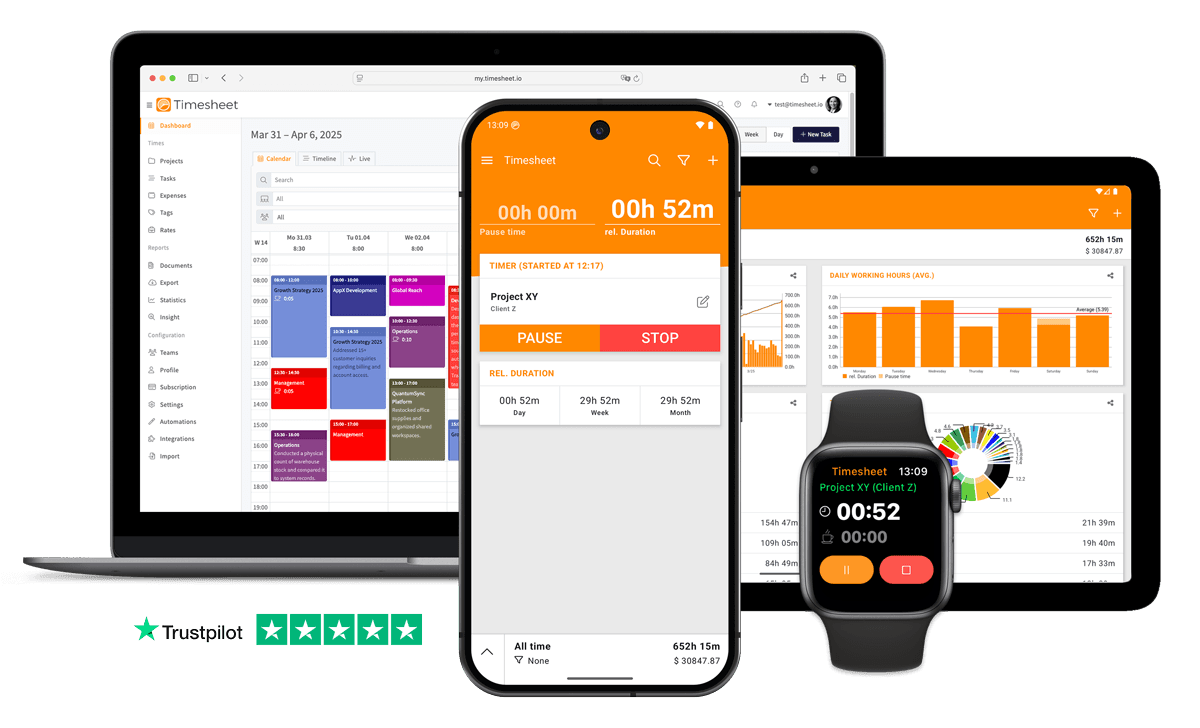
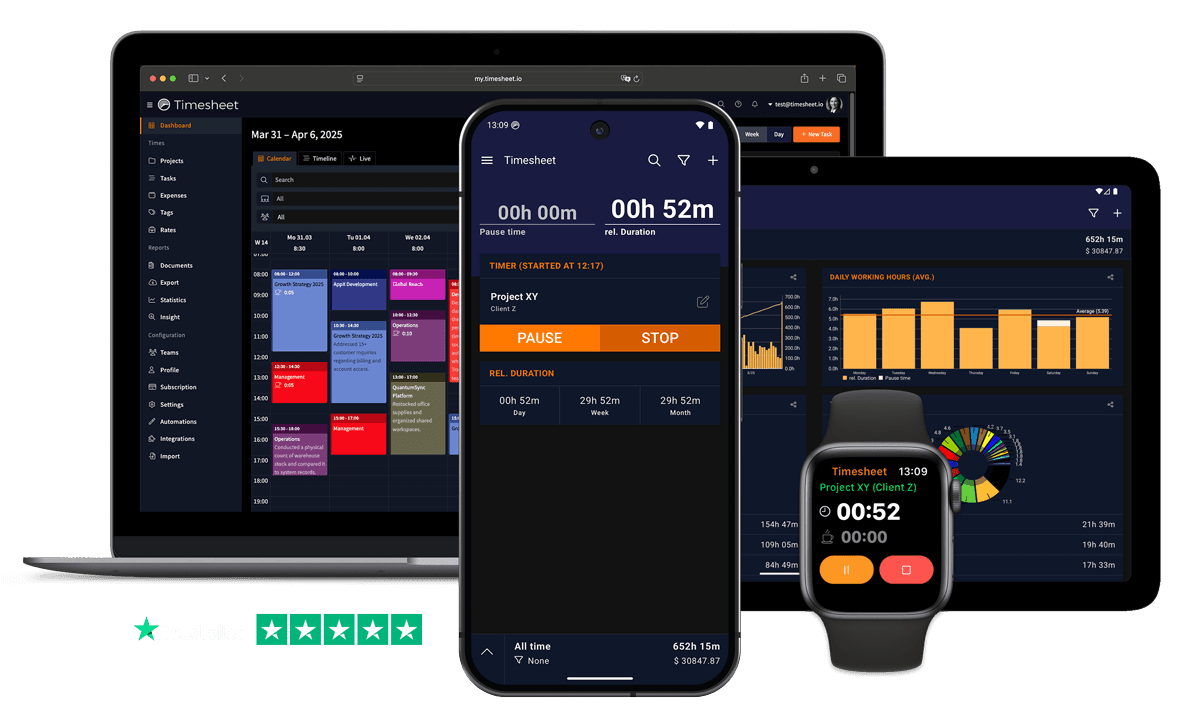
Time the shoot, the drive and the retouching separately. Each entry keeps its location and mileage, so you see how the job really split.


7h 45m
Tracked
Synced
All Devices
- GDPR Compliant
- Data Encrypted
- 4.5/5 from 13,000+ reviews
- Free plan available
- iOS, Android & web
- Works offline



Designed specifically for Photographers
Tracking time during shoots is impossible when you're focused on capturing moments
After the shoot, tell your AI assistant 'Log 4 hours photo session for Smith Wedding' via MCP Server.
Manual time tracking wastes valuable work hours and leads to inaccurate billing
Automatic timers with geofencing and Wi-Fi triggers start tracking when you begin working.
Desktop-first time tracking software is left unused when photographers are away from the computer
Native iOS and Android apps with one-tap timer, offline mode and Apple Watch support.
Shoots, editing, and delivery time all blur together, hard to price accurately
Tag time entries by phase (shoot, editing, delivery) and see allocation charts.
Shoots happen on location, editing happens at home
Same timer works everywhere. All project hours in one place.
Editing takes longer than shoots but goes untracked
Track all work types. See true hours in each area.
Without project-level tracking, photographers never know which jobs are actually profitable
Every tracked second is filed against a project, task and client with its own hourly rate.
Shoot days, editing queues, and delivery deadlines overlap, scheduling conflicts hit without warning
Team project sharing shows each photographer's schedule. Visual progress charts reveal editing backlogs per project.
“Photographers using AI tools saved 89 million hours collectively in 2025, approximately 12 full work weeks per photographer per year”
What Timesheet Handles
Time tracking, reports, invoices, exports, automation, HR rules, and AI logging in one system.
Simplified Time Tracking
The timer runs through the shoot without a signal and syncs later. Take it on to culling and retouching, so the desk half of the job counts too.
- One-tap time tracking
- WLAN & Geofencing automation
- Scheduled break reminders
- NFC tag support

Project & Task Management
A project per shoot or per client, with tasks for scouting, the shoot itself, culling, retouching and delivery, and your hourly rate on the project.
- Unlimited projects
- Task categorization
- Team collaboration
- Calendar integration

Accurate Feedback & Analytics
See what a wedding really took once selection, retouching and delivery are added to the shoot day, and how that compares with your other packages.
- Daily, weekly, monthly reports
- Income tracking
- Trend identification
- Export to Excel & CSV

Professional Invoice Generation
Invoice a package or an hourly job on your own template, with venue mileage and hire costs listed as expenses on the same PDF.
- Generate invoices from time entries
- Add expenses and notes
- Track payment status
- PDF export

Comprehensive Data Export
When a client asks what three hundred retouched frames involved, a PDF of that shoot answers it. The year goes to your accountant as CSV.
- Excel export
- CSV export
- PDF reports
- API access

Automatic Time Tracking
A geofence starts the timer as you arrive at the venue. A long wedding day is recorded while it happens, not guessed at on Monday.
- Location-based tracking
- WLAN detection
- Background timer operation
- Persistent quick actions

HR-Ready Time Tracking
Bring in second shooters or an assistant and their hours, breaks and days off sit in the same place you settle up from.
- Contracts & employment models
- Live working-time limits
- Leave & overtime balances
- Absence requests & calendar

AI-First Time Tracking
Log six hours of retouching from chat while an export renders, or ask which client consumed the most editing time this year.
- Log time in one message
- Control the timer from chat
- Instant project answers
- Reminders, daily & weekly

Everything You Need
- Log shoot and editing time through ChatGPT, Claude, or Gemini
- One-tap timer on iOS, Android and the web
- Track from location, studio, or home
- Unlimited client projects with custom rates
- Track regular hours, breaks, overtime and billable time
- Tag time by phase (prep, shoot, edit, delivery)
- Automatic timesheets, no manual entry
- Team project sharing shows editing queue status across photographers
- Ask 'How much editing time for project X?' for breakdowns
- Professional invoice generation from tracked time
- Geofence automation for on-location shoots
- Project distribution charts reveal time per shoot and client
Integrate With Your Favorite Tools
Send tracked time where the rest of your work already happens.












Plans by workflow
Start free, add sync, teams, HR, or AI when you need them.
Multi-user plans
For teams that work together across web, mobile, AI, and HR.
Pro
Best for Professionals
per user
- Everything in Plus
- Web Access
- Invoice Generation
- Team Features
- API Access
- Chronis AI assistant (chat-based tracking)
- MCP server (Claude · ChatGPT)
Business
HR & AI for growing teams
per user
- Everything in Pro
- Contracts & employment models
- Working-time limits & live caps
- Absence requests, approvals & calendar
- Leave & overtime balances
- Rest period & break enforcement
- Custom approval workflows
- Flextime & core-time policies
- Audit logs & compliance reports
Enterprise
Scale & dedicated support
per user
- Everything in Business
- Up to 200 team members
- 24/7 priority support
Single-user plans
Mobile-first plans for individuals.
Basic
Perfect for personal use
- Time Tracking
- Unlimited Projects
- Basic Statistics
- Excel & CSV Export
Plus
Great for freelancers
- Everything in Basic
- Cloud Backup
- Real-time Sync
- Unlimited Storage
All prices are net prices. Applicable taxes (VAT) will be added at purchase.
Frequently Asked Questions
Straight answers about plans, trials, payments, and data.
Yes. Your subscription stays active until the end of the current billing period, then switches to the Basic plan.
Yes. Upgrades are charged immediately for the prorated difference. Downgrades take effect at the end of the current billing period.
Yes. The Basic plan includes core time tracking features, including the mobile app, projects, and data export.
Yes, we offer a 30-day free trial for both Plus and Pro plans. No credit card is required to start your trial, and you can cancel anytime.
If you do not subscribe after the trial, your account switches to the Basic plan. Your data stays in place, but premium features are limited.
Yes. You can delete your account from account settings. Deletion is permanent and removes your data.
Timesheet accepts payments through Stripe and PayPal. You can pay by card through Stripe or use your PayPal balance and linked payment methods.
We do not store card details on Timesheet servers. Payment processing is handled by Stripe and PayPal.
Timesheet uses encryption, cloud infrastructure, backups, and account-based access controls. You can also export your data from the app.
Visit the Help Center at https://help.timesheet.io or email support@timesheet.io. Support usually replies within 24 hours.
Loved by Thousands Worldwide
See what our users have to say about Timesheet.
"Simple, clear and contains everything I need for projects under management: time registration, manually adding working time, automatic price calculation, travel costs, exporting data, etc. Top app!"
Valentijn Schepens
Photographer
"Perfect for me to document my work cleanly. I've been using the free version since 2015 or so. Always been very satisfied."
Kamueone Kamue
Photographer
"Very easy to use and self-explanatory, the app allows you to track working hours for different projects!"
Selina Petrovic
Photographer
"Have been using it now for a long time. Once you get used to it, it's really good. Couldn't live without it"
Kevin Hogan
Photographer
"It would have been better to have a total salary system.🥰 …"
Oli Ullah
Photographer
"Super practical for perfectly tracking self-employed work."
Daniela Oberrauch
Photographer
 App Store
based on reviews
Google Playfrom 13,317 ratings
Start the Timer Before You Lift the Camera
One tap on your phone or Apple Watch, offline on location, synced the moment you are back on Wi-Fi.
Contact Us
Message us at any time, we'd love to hear from you.
Find us on Social Media
Stay connected with us on Social Media. You can find us on Facebook, Instagram, X, and LinkedIn.
Read the docs
Use the documentation for setup, API, and integration questions. For anything account-specific, contact support.
Want To Know More?
We'll get back to you as soon as possible.